Home
Home
What Are the Best Music Apps to Use Right Now?
As of late 2026, the landscape of digital audio has shifted significantly. While the "Big Three" continue to dominate the market, users are increasingly navigating a world of subscription price hikes and algorithmic fatigue. Spotify recently adjusted its Premium tier to $13 per month in the US, following similar moves by Apple and Amazon. This has led many listeners to re-evaluate what they actually need from a music app.
Whether you are looking for the most accurate discovery algorithms, the highest possible bitrates, or a way to escape the subscription model entirely through self-hosting, the options available today are more diverse than ever. With libraries now standardizing at over 100 million tracks, the differentiator is no longer "what" you can listen to, but "how" the app facilitates that experience.
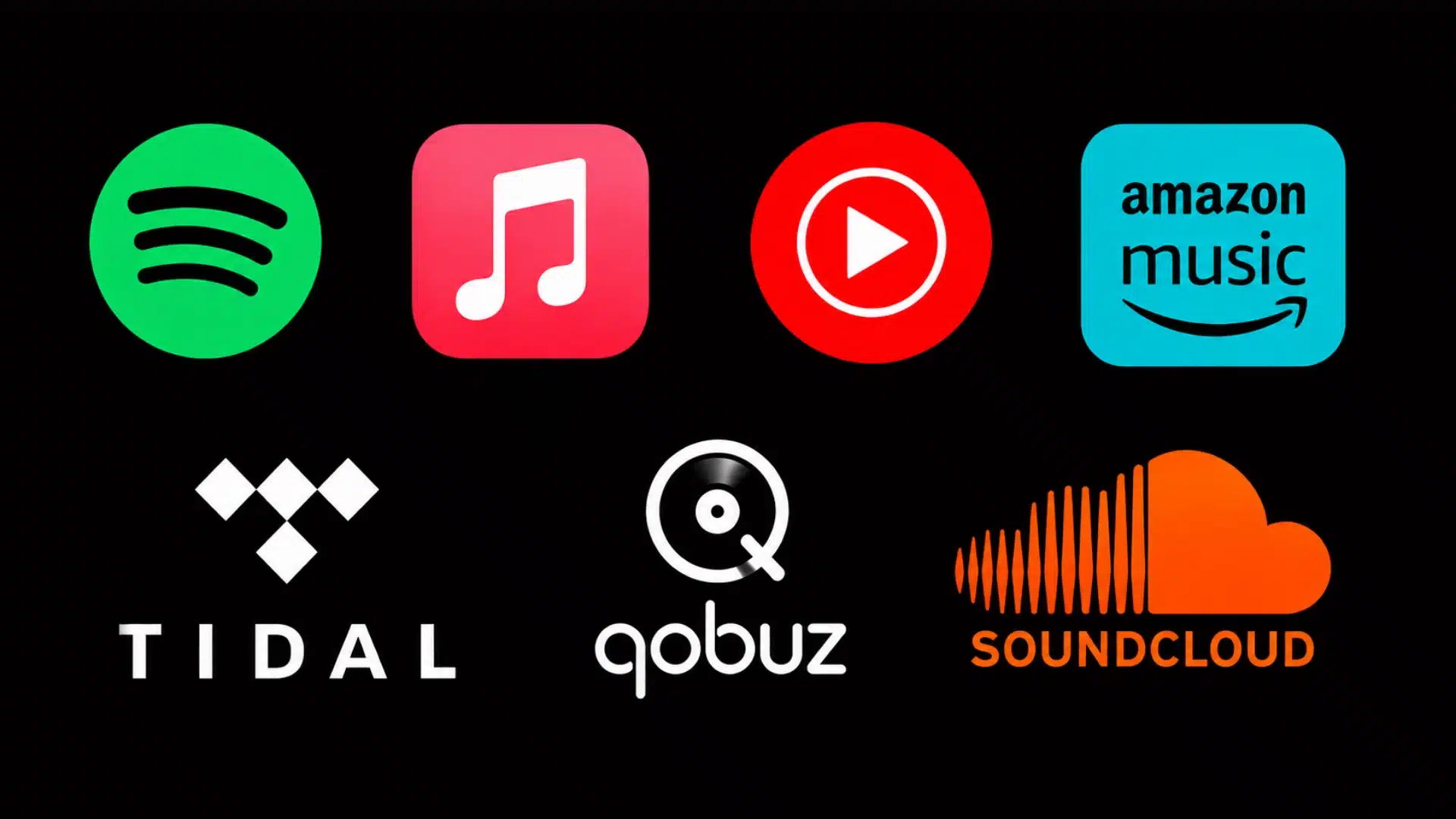
Image source: Gogemio
Which Music Streaming Service Fits Your Lifestyle?
Spotify for Discovery and Social Features
Spotify remains a dominant force in the industry, largely due to its sophisticated recommendation engine. For many users, the "Discover Weekly" and "Release Radar" playlists are essential tools for finding new artists. The service has also leaned heavily into social integration, with features like "Wrapped" becoming annual cultural events that other platforms struggle to replicate.
However, recent changes have sparked debate within the community. According to CNET's 2026 analysis , the platform's push into podcasts and audiobooks has cluttered the home screen for some purists. Furthermore, while Spotify Premium offers a respectable 320kbps Ogg Vorbis stream, it still lacks the high-resolution lossless tiers found in its competitors. For the casual listener who values convenience and social connectivity, it remains a leading choice, but those seeking pure audio fidelity may look elsewhere.
Apple Music for Ecosystem Users
Apple Music stands out as a top choice for those already embedded in the Apple ecosystem. One of its most significant advantages is the inclusion of Lossless Audio and Dolby Atmos (Spatial Audio) at no additional cost to the standard $12 monthly subscription. Unlike Spotify, which relies heavily on AI, Apple Music emphasizes human curation, with live radio stations like Apple Music 1 featuring world-renowned DJs.
The integration with Siri and the Apple Watch is seamless, making it a preferred option for fitness enthusiasts. However, the Android application, while functional, often lacks the fluidity of its iOS counterpart. For users with high-quality headphones, the ability to stream ALAC (Apple Lossless Audio Codec) files provides a noticeable step up in clarity compared to standard compressed formats.
YouTube Music for Video Lovers
YouTube Music offers a unique value proposition by bridging the gap between official studio recordings and the vast world of user-generated content. If you enjoy live performances, covers, and rare remixes that aren't available on traditional streaming services, this app is exceptionally strong. It is often bundled with YouTube Premium, providing an ad-free video experience alongside the music service.
One standout feature is the "Locker," which allows users to upload up to 100,000 of their own tracks to the cloud. This is a significant advancement for those who have large collections of obscure music not found in streaming libraries. While the UI can sometimes feel like a secondary thought compared to the main YouTube app, the sheer volume of content makes it a powerful contender.
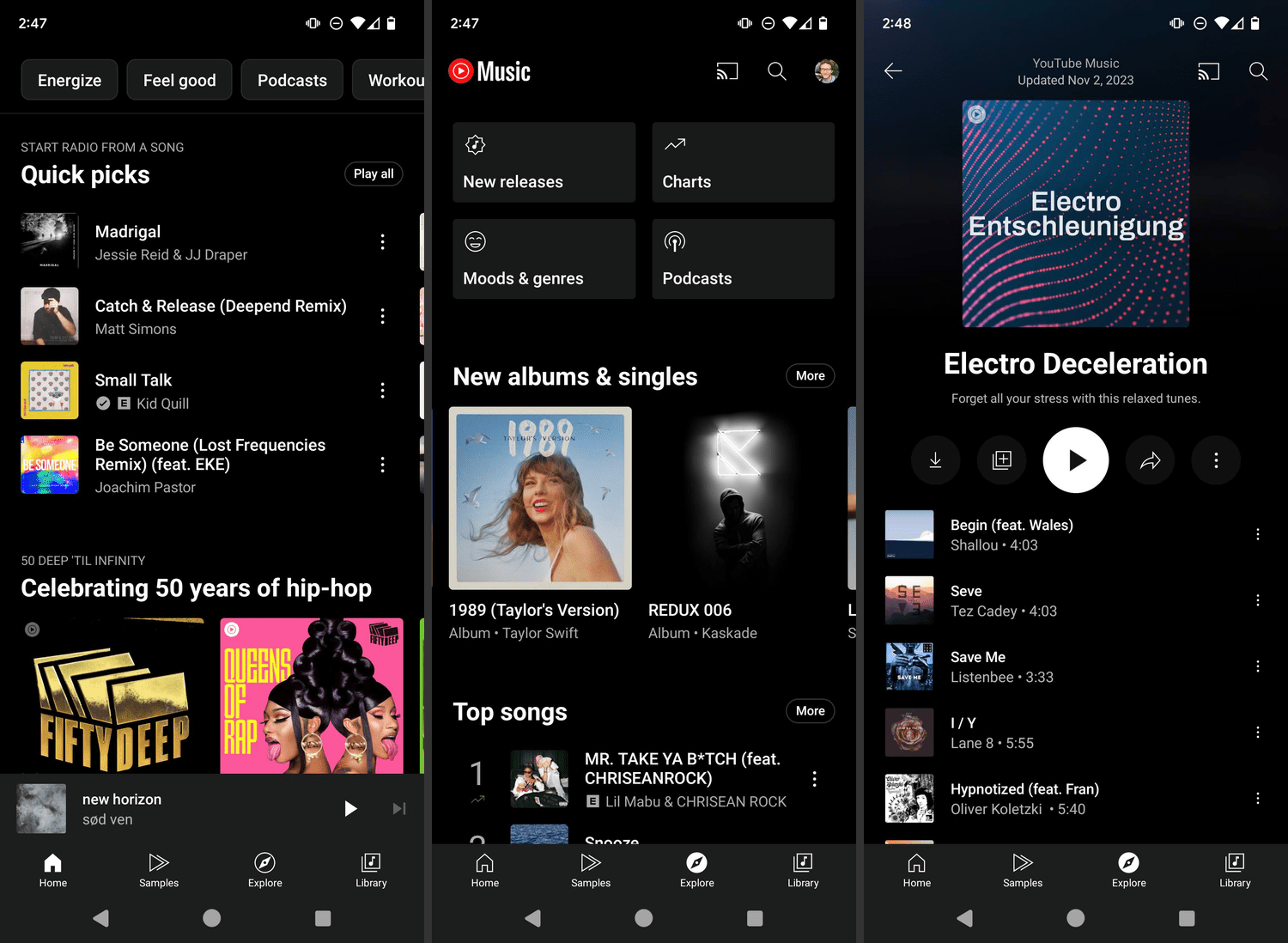
Image source: Lifewire
Best Music Apps for Audiophiles and High-Fidelity Sound
For listeners who prioritize sound quality above all else, the standard 320kbps streams offered by mainstream apps may not suffice. Audiophile-grade services focus on delivering "bit-perfect" audio that preserves the dynamic range and detail of the original recording.
Tidal for High Payouts and High Bitrates
Tidal has recently simplified its pricing, offering a single $11 tier that includes high-resolution FLAC and Dolby Atmos. This move has made it one of the most competitive options for high-fidelity audio. Beyond sound quality, Tidal is frequently cited for its artist-centric approach, reportedly offering higher payout rates per stream than many of its rivals. Many users find the interface to be cleaner and more music-focused than Spotify's podcast-heavy layout.
Qobuz for the Purist Choice
Qobuz is widely regarded as a top-tier option for those who want to own their music as well as stream it. It offers a massive catalog of 24-bit Hi-Res tracks without the need for proprietary hardware decoders like MQA. Qobuz also features an integrated digital store, allowing users to purchase and download high-resolution files permanently. This makes it a favorite among those who use high-end home audio systems and dedicated digital-to-analog converters (DACs).
Have you ever noticed that the same song sounds "quieter" on Spotify than on a CD? This is due to Loudness Normalization . Most streaming services normalize audio to approximately -14 LUFS (Loudness Units relative to Full Scale) to prevent volume jumps between tracks. According to mastering experts at iZotope , this can sometimes squash the dynamic range of a track. To get the "true" sound, look for a setting in your app to "Disable Normalization," though be prepared to adjust your volume manually!
How to Listen to Music for Free Without Breaking the Law
While most premium features are locked behind a paywall, there are still several legitimate ways to enjoy music for free. These apps typically rely on advertising or community-driven content to stay afloat.
| App | Free Tier Bitrate | Offline Listening | Key Strength |
|---|---|---|---|
| Spotify Free | 160kbps | No | Algorithmic Playlists |
| SoundCloud | 128kbps (varies) | Limited | Indie & Underground |
| YouTube Music | 128kbps | No | Music Videos |
| Pandora | 64kbps - 128kbps | No | Radio Experience |
| Audiomack | Standard | Yes (Selected) | New Artist Discovery |
SoundCloud remains the home of the underground scene, boasting a library of over 500 million tracks. It is the go-to platform for DJ sets, lo-fi beats, and emerging artists who haven't yet made it to the major labels. Audiomack is another popular choice, particularly in the hip-hop and reggae scenes, though users should be aware that community reports often mention a high frequency of gambling-related advertisements on the free tier.
Why You Should Consider Self-Hosting Your Music Library
In 2026, "subscription fatigue" has become a real phenomenon. As monthly costs rise and licenses expire (causing albums to disappear from streaming services), many music lovers are returning to the concept of ownership. Self-hosting allows you to build your own private "Spotify" using files you own, such as FLAC rips from CDs or purchases from Bandcamp.
Community members on platforms like Reddit frequently highlight FinAmp for its superior handling of local FLAC files compared to standard players. This workflow ensures that you never lose access to your favorite albums due to licensing disputes and provides a significant step forward in terms of privacy and long-term cost savings.
Best Music Apps for Making and Learning Music
The role of music apps has expanded beyond passive listening. For those who want to create or study music, the tools available in 2026 are notably innovative.
- BandLab: A mobile-first Digital Audio Workstation (DAW) that allows you to record, mix, and collaborate with other musicians globally. It is widely considered one of the strongest free tools for aspiring producers.
- Suno: An AI-powered creation tool that has recently topped App Store charts. It allows users to generate full songs from text prompts, serving as a significant advancement in AI-assisted creativity.
- Sight Reader: An essential tool for musicians learning to read sheet music. It provides real-time feedback on your accuracy, making it a top-rated choice for students.
- Bionic Ears: Recommended by Sonicbids for interval training and ear development, helping musicians identify notes and chords by ear.
Common Problems and How to Fix Them
Even the most popular apps encounter technical hurdles. Understanding how to troubleshoot these issues can significantly improve your listening experience.
Fixing Codec Issues on Linux
Users on Linux distributions like Zorin OS or Ubuntu often find that streaming apps fail to play certain tracks. This is usually due to missing proprietary codecs. To fix this, you can install the
ubuntu-restricted-extras
package via the terminal, which provides the necessary decoders for AAC and MP3 playback. This simple step resolves the majority of playback errors reported in community forums.
Volume Slider Glitches on High-End Streamers
Owners of high-end hardware, such as the Eversolo DMP-A6, have reported UI bugs where the volume slider becomes unresponsive or obscured when using the controller app on tablets. A common fix involves clearing the app cache or ensuring that the "Fixed Volume" setting is disabled in the hardware's output menu. Keeping both the firmware and the mobile app updated is crucial for maintaining a stable connection.
Managing Mobile Data Usage
High-resolution streaming can consume gigabytes of data in a matter of hours. If you are on a limited data plan, ensure you enable "Data Saver" modes. Spotify and YouTube Music both offer settings to automatically lower the bitrate when you are not on Wi-Fi. Additionally, always utilize the "Download" feature for your most-played playlists to avoid unnecessary streaming.
What Real Users Are Saying About Modern Streaming
The "Spotify Fatigue" movement has gained traction in recent months. Many users express frustration with the platform's increasing focus on non-music content and the perceived decline in recommendation quality. This has led to a resurgence in support for Bandcamp , where a much larger percentage of the purchase price goes directly to the artist.
On Reddit, the consensus often leans toward a hybrid approach: using a streaming service like Tidal for discovery and high-quality background listening, while purchasing physical media or digital downloads of favorite albums to ensure long-term access and artist support. This "Ethical Tier List" approach is becoming a popular choice for those who want to balance convenience with creator fairness.
Key Takeaways for Choosing Your Next Music App
- Prioritize Spotify if you value social features and the most accurate discovery algorithms.
- Choose Apple Music for the best integration with iOS devices and free lossless audio.
- Opt for Tidal or Qobuz if you have high-end audio equipment and demand the highest bitrates.
- Use YouTube Music if you want to combine official tracks with rare live performances and covers.
- Consider self-hosting with Jellyfin and FinAmp to avoid subscription price hikes and own your music.
- Support artists directly by using Bandcamp for digital purchases whenever possible.
- Disable normalization in your app settings if you want to experience the full dynamic range of your music.
Take a moment to review your monthly subscriptions and consider trying a trial of a high-fidelity service to see if your ears can hear the difference.