Home
Home
How to Choose the Best Online Music Streaming Service for Your Needs
As of 2026, the online music streaming landscape is defined by three major players: Apple Music (top value for high-res audio), Spotify (leading social and discovery features), and Amazon Music (strong ecosystem integration). For those seeking free music online with no sign-up, AccuRadio and Bandcamp remain top choices for anonymous listening.
The State of Online Music Streaming in 2026
The way we consume music has undergone a total transformation over the last decade. In 2026, online music streaming accounts for over 80% of total music market revenue, according to data from iZotope . The days of purchasing individual digital tracks have largely faded, replaced by a model where access is prioritized over ownership.
Today, the "Big Three" services—Spotify, Apple Music, and Amazon Music—each boast libraries exceeding 100 million tracks. This massive scale ensures that almost any song ever recorded is available at the tap of a screen. However, this abundance has shifted the competition from library size to user experience, curation, and audio fidelity. As noted by Wikipedia , the market has matured to a point where technical features like spatial audio and AI-driven discovery are the primary differentiators.
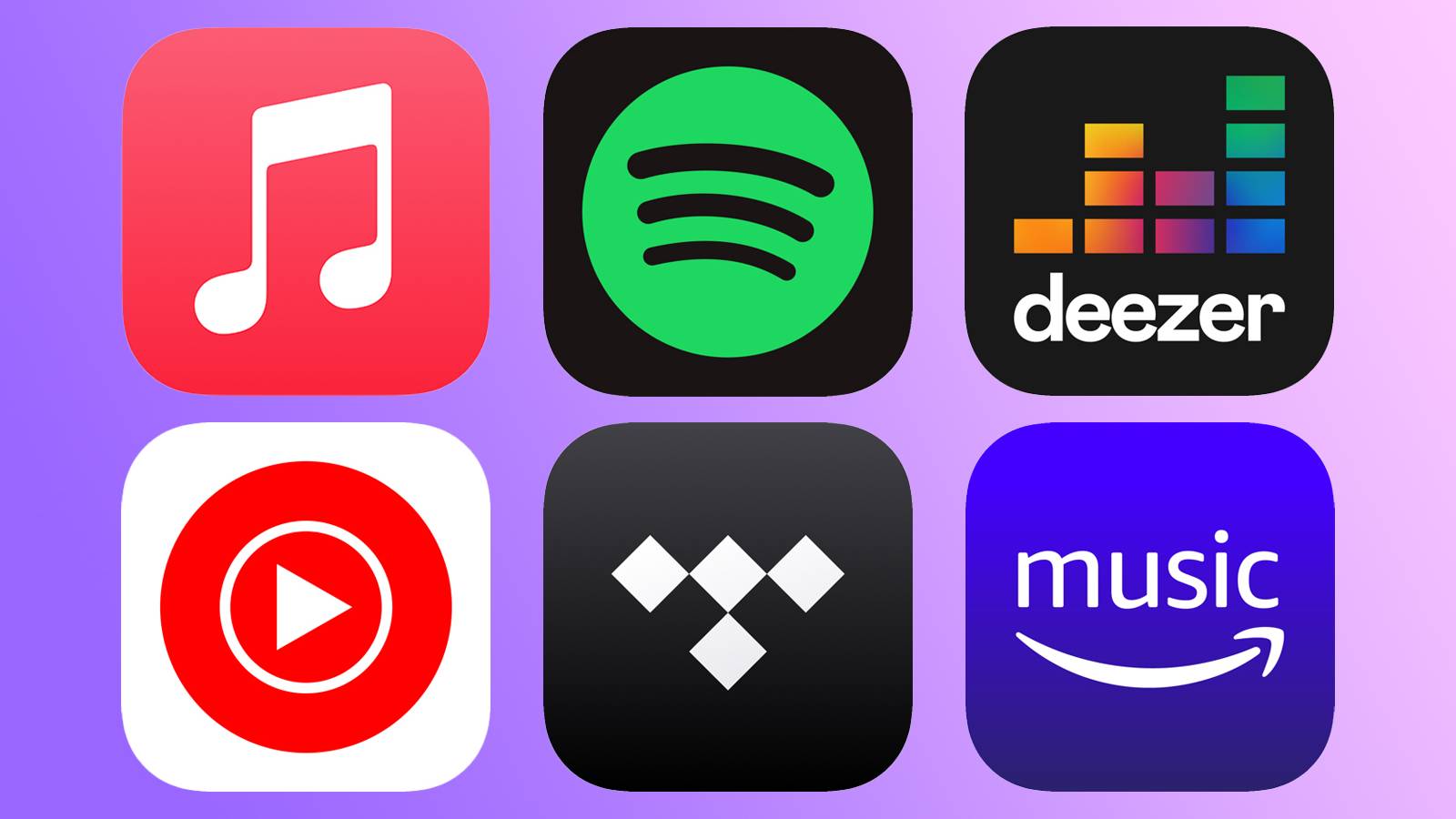
Image source: Pocket-lint
Which Music Streaming Service Offers the Best Value?
Determining "value" depends heavily on your existing hardware and listening habits. While the standard individual plan has stabilized at approximately $10.99 per month across most platforms, the peripheral benefits vary significantly. For many users, the choice isn't just about the music player, but how it fits into their broader digital life.
Comparing the Big Three Spotify Apple Music and Amazon Music
Spotify remains a dominant force due to its social integration and highly praised recommendation algorithms. However, its value proposition is often challenged by Apple and Amazon's ecosystem bundles. For instance, Apple Music is a core component of the Apple One bundle ($19.95/mo), which includes iCloud storage, Apple TV+, and Arcade. This makes it a highly cost-effective choice for families already using Apple hardware.
Amazon Music offers a unique perk for bibliophiles: integration with Audible. In recent years, Amazon has experimented with including a limited number of audiobook credits or specific Audible streams within their music tiers. According to PCMag , this cross-media strategy helps Amazon maintain a strong foothold among Prime members who want a centralized entertainment hub.
The Best Options for Audiophiles and High-Res Audio
For those who prioritize sound quality, the market has split into two camps. Apple Music currently leads the mainstream market in value by including Lossless and Spatial Audio (Dolby Atmos) in its standard subscription at no extra cost. In contrast, services like Tidal and Deezer continue to cater to the high-fidelity niche, offering specialized tiers that support MQA (Master Quality Authenticated) or FLAC formats.
| Service | Monthly Price | Max Audio Quality | Unique Perk |
|---|---|---|---|
| Apple Music | $10.99 | 24-bit/192kHz (Lossless) | Spatial Audio included |
| Spotify | $10.99 | 320kbps (Ogg Vorbis) | Top-tier social sharing |
| Amazon Music | $10.99 | 24-bit/192kHz (Ultra HD) | Audible integration |
| Tidal | $10.99 | 24-bit/192kHz (HiRes FLAC) | Higher artist payouts |
How to Stream Music Online for Free Without Creating an Account
A common frustration for casual listeners is the "registration wall." Most major services require an email address and personal data to track listening habits for their advertising engines. However, if you are looking for a zero-friction experience, several platforms still allow you to listen without an account.
Truly Anonymous Streaming with AccuRadio and Bandcamp
AccuRadio stands out as a premier choice for those who want to avoid the sign-up process. Unlike Spotify's free tier, which forces shuffles and limits skips, AccuRadio offers human-curated channels with unlimited skips—all without requiring a login. It operates on a traditional internet radio model but with significantly more user control.
Bandcamp is another excellent alternative, particularly for discovering independent artists. While it is primarily a marketplace, most artists allow full album streams on their pages. You can browse, play, and discover new genres entirely anonymously. This "artist-first" approach has made it a favorite among privacy-conscious listeners and those who want to support creators directly.
Ad-Free Listening on Jango and Other Free Platforms
While "free" usually implies "ads," Jango has carved out a niche by offering a remarkably low ad load. Users can create custom stations based on artists they like, and the platform uses a "social" voting system to refine the stream. According to community feedback on platforms like Reddit, Jango is often cited as one of the most usable free services because it doesn't interrupt the flow of music as aggressively as its larger competitors.
Image source: Smart DNS Proxy
Why Your Favorite Songs Might Sound Different Across Platforms
Have you ever noticed that a song sounds "louder" on YouTube than it does on Apple Music? This isn't a glitch; it's the result of complex audio processing known as loudness normalization. Understanding this can help you get the most out of your high-end headphones or home audio system.
Understanding LUFS and Loudness Normalization
Streaming platforms use a standard called LUFS (Loudness Units relative to Full Scale) to ensure that listeners don't have to constantly adjust their volume knobs between tracks. As explained by iZotope , most platforms target a level between -14 and -16 LUFS.
However, the way they reach this target differs. Spotify uses a "limiter" to prevent clipping on loud tracks, which can sometimes squash the dynamic range. Apple Music uses a different metadata-based approach (Sound Check) that preserves more of the original recording's peaks and valleys. This is why audiophiles often prefer Apple's implementation for critical listening.
How to Optimize Your Settings for Better Sound Quality
If you are using high-quality gear, you might actually want to disable these features. In the settings menu of most apps, you will find a toggle for "Normalize Volume" or "Sound Check." Turning this off allows the music to play at its original mastered volume, providing a more dynamic and "uncompressed" experience. Additionally, always check your "Data Usage" settings to ensure you are streaming at the "Very High" or "Lossless" setting when on Wi-Fi.
What to Do When Your Favorite Albums Disappear from Streaming
One of the biggest drawbacks of the streaming era is the lack of true ownership. Because you are essentially "renting" access to a library, songs can disappear overnight due to licensing disputes between labels and platforms.
The Reality of Music Licensing and Digital Ownership
Licensing gaps occur when a contract between a streaming service and a rights holder (like Universal Music Group or Sony) expires or is renegotiated. Sometimes, specific artists choose to pull their catalogs for financial or political reasons. This "musical interruption" can leave massive holes in your carefully curated playlists.
Building a Hybrid Collection for Permanent Access
Expert listeners often recommend a "Hybrid Approach." Use online music streaming for discovery and convenience, but maintain a local library of your "must-have" albums. This can be in the form of high-quality FLAC files, MP3s, or even physical media like CDs and Vinyl. By owning the files, you ensure that a corporate disagreement won't ever take away your favorite music.
Image source: Lifewire
How to Switch Services Without Losing Your Playlists
The biggest barrier to switching from Spotify to Apple Music (or vice versa) is the "sunk cost" of your playlists. Moving thousands of songs manually is impossible, but modern tools have made this process relatively painless.
Using Playlist Transfer Tools Like FreeYourMusic
Services like FreeYourMusic or SongShift act as intermediaries. They log into your old account, scan your library, and then find the matching tracks on your new service. According to FreeYourMusic , these tools can achieve a match rate of over 95%, though some obscure remixes or live tracks may require manual intervention.
Managing Data Usage While Streaming on the Go
High-resolution audio sounds great, but it can be a data hog. A standard 320kbps stream uses about 150MB per hour. However, a 24-bit/192kHz Lossless stream can consume upwards of 1GB per hour. To avoid massive overage charges, always utilize the "Offline Mode" available in premium tiers. Download your favorite playlists while on Wi-Fi so you can enjoy high-quality audio without touching your mobile data plan.
Frequently Asked Questions
Which music streaming service has the best free tier in 2026?
As of 2026, Jango and AccuRadio are widely considered to have the most user-friendly free tiers. Jango is popular for its minimal ad interruptions, while AccuRadio offers unlimited skips without requiring a user account. Spotify's free tier remains a strong contender for discovery but is more restrictive regarding song selection and ad frequency.
Can I stream music online for free without creating an account?
Yes, you can. Platforms like AccuRadio and Bandcamp allow you to stream music directly through your web browser without ever providing an email address or creating a password. This is an excellent option for users who prioritize privacy or simply want to listen to music quickly without a setup process.
What is the difference between internet radio and on-demand streaming?
Internet radio (like AccuRadio or iHeartRadio) is a "lean-back" experience where you choose a genre or artist station and the service picks the songs. On-demand streaming (like Spotify or Apple Music) allows you to search for a specific song and play it instantly. On-demand services typically require a paid subscription for the full experience.
Which online music player uses the least amount of mobile data?
Most apps allow you to adjust the streaming quality. To save data, set your quality to "Low" (usually 96kbps). Spotify and YouTube Music are particularly efficient at these lower bitrates. However, the most effective way to save data is to use the "Download" feature on premium plans to listen offline.
Why is Spotify Hi-Fi still missing for some users?
Spotify has had a staggered rollout for its high-fidelity tier compared to competitors like Apple and Amazon. While they have announced various "Supremium" or Hi-Fi plans, availability varies by region and account type. Many users have switched to Apple Music or Tidal specifically for their more consistent high-res audio offerings.
The Bottom Line
Choosing the right online music streaming service depends on your priorities—whether that's audio fidelity, cost, or ease of use. Here are the key takeaways to guide your decision:
- For Audiophiles: Choose Apple Music or Tidal for included high-res lossless audio.
- For Privacy Seekers: Use AccuRadio or Bandcamp to stream without creating an account.
- For Budget Users: Look into Jango for fewer ads or Spotify Student for bundled value.
- For Ecosystem Users: Stick with Amazon Music if you use Alexa/Audible, or Apple Music for Apple One integration.
- Pro Tip: Always download your playlists over Wi-Fi to avoid high data usage from high-quality streams.
- Technical Tip: Disable Loudness Normalization in your settings if you want to experience the full dynamic range of your music.
Take a moment to review your current subscription and see if a switch could save you money or improve your listening experience today.