Home
Home
How to Stream Music Online for Free Without Constant Audio Ads
For listeners who want to avoid the heavy ad-load of mainstream apps, Jango and Freefy stand out as top choices for ad-free mobile listening. If you prefer a "no sign-up" experience, AccuRadio and iHeartRadio allow immediate playback. For high-control discovery, Spotify Desktop remains a strong contender due to its on-demand features that are restricted on its mobile counterpart.
Which Free Music Streaming Service Should You Choose Right Now?
Navigating the world of free online music streaming in 2026 requires understanding the trade-offs between convenience, control, and commercial interruptions. While the industry has shifted toward subscription models, several platforms continue to offer robust free tiers that cater to different listener needs. Whether you are looking for background music for an office or a specific playlist for a workout, the right choice depends on your device and your tolerance for advertisements.
As of recent data, streaming accounts for over 80% of the music market share, according to iZotope's industry analysis . This dominance has led to a diversification of "free" offerings. Some services focus on the radio experience, while others attempt to provide a near-premium on-demand experience supported by alternative revenue models.
| Service Name | Sign-up Required? | Audio Ads? | Unlimited Skips? | Best For... |
|---|---|---|---|---|
| AccuRadio | No | Minimal | Yes | Office/Background |
| Jango | No | No | Yes | Mobile/No Ads |
| Spotify | Yes | Heavy | Desktop Only | Playlists/Discovery |
| YouTube Music | Yes | Heavy | No | Rare Tracks/Covers |
| Freefy | Yes | No | Yes | Ad-free On-Demand |
Top Free Streaming Services That Do Not Require a Sign-Up
One of the most significant barriers to entry for new listeners is the mandatory account creation process. For those who want to go from "URL to Music" in under five seconds, a few platforms stand out by offering immediate access without requiring an email address or social media link.
AccuRadio: The Professional Choice
AccuRadio is widely regarded as one of the best options for listeners who want variety without the hassle of a login. Unlike many of its competitors, AccuRadio is curated by humans rather than algorithms, which often results in more cohesive genre stations. A standout feature is the "HitKast" system and daily rotating commercial-free genres, which allow users to enjoy hours of music without a single audio interruption.
Furthermore, AccuRadio offers a feature that is rare in the free space: unlimited skips. While most services cap your ability to move past songs you dislike, AccuRadio allows you to skip freely, provided you are listening to their curated channels. This makes it an exceptionally strong choice for office environments where you need consistent, high-quality background audio without the distraction of repetitive ads.
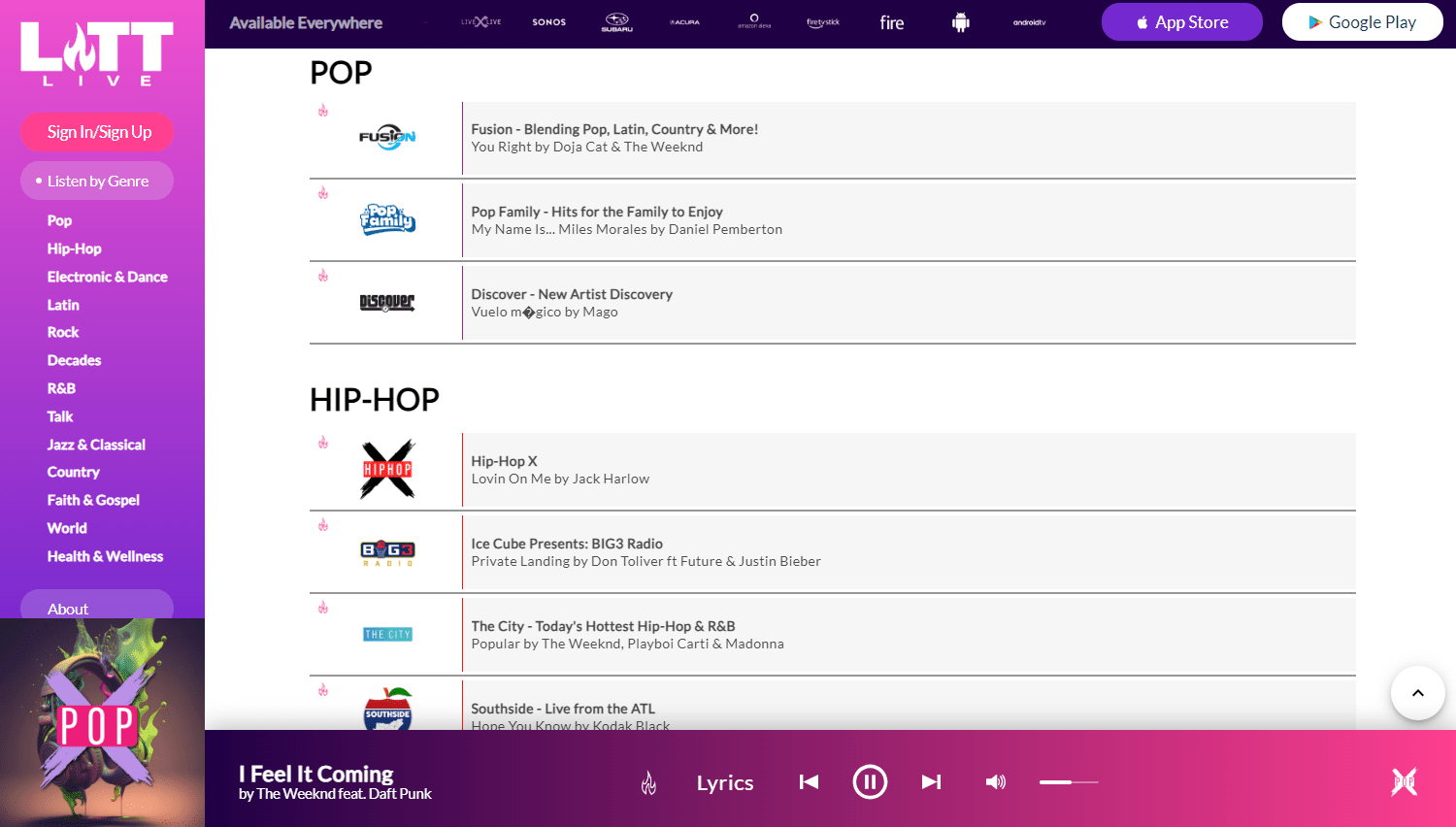
Image source: Lifewire
iHeartRadio: Live Broadcasts and Beyond
iHeartRadio remains a popular choice for those who value live radio and local broadcasts. It is available on over 200 platforms, including smart TVs, gaming consoles, and automotive interfaces. You can start listening to thousands of live stations immediately upon visiting the site. While signing up unlocks the ability to create custom stations based on specific artists, the core radio experience is entirely open to anonymous users.
How to Avoid Audio Ads on Mobile Devices While Streaming
The mobile experience is where most free users encounter the most frustration. Apps like Spotify and YouTube Music often insert audio ads every two to three songs, which can be particularly jarring during a commute or a workout. However, specific platforms have built their entire value proposition around removing these interruptions.
The Jango Solution
Jango is a notably innovative platform that manages to stay ad-free by utilizing a unique "artist-sponsored" model. Instead of traditional commercial breaks, Jango occasionally plays tracks from independent artists who pay to have their music heard by fans of similar, more established acts. For the listener, this means the music never stops for a traditional commercial. You get a continuous stream of music, and you might even discover a new favorite indie artist in the process.
Freefy: Leveraging Modern APIs
Freefy is another strong contender for mobile users. By leveraging the YouTube API, Freefy provides an on-demand experience that mimics premium services without the associated cost. It specifically markets itself as having no audio ads, focusing instead on a clean, user-friendly interface that allows for playlist creation and specific track selection—features usually locked behind a paywall on other mobile apps.
Why Spotify Free Performs Better on a Desktop Than Your Phone
Many users do not realize that the "Free" tier of Spotify is not uniform across all devices. There is a significant technical difference between the mobile app and the desktop application that changes how much control you have over your listening experience.
The Desktop Advantage
On the Spotify desktop application (or the web player), free users enjoy on-demand play. This means you can click on any song in a playlist or album and play it immediately. In contrast, the mobile app forces free users into "Shuffle Play" mode for most playlists, meaning you cannot choose the specific order of tracks. According to expert reviews from PCMag , the desktop version also allows for more flexible skipping compared to the strict limits found on mobile.
The "Skip Hack"
While not a "hack" in the sense of breaking software, using the desktop app allows you to maintain a queue. By adding songs to your "Play Next" list on a computer, you can effectively control your listening session with much higher precision than you ever could on a smartphone. If you are working from home or have a laptop at your desk, the desktop version of Spotify ranks among the top ways to enjoy their massive 80-million-track library for free.
Where to Find Rare Tracks and Live Performances for Free
If your musical tastes lean toward the obscure—remixes, live bootlegs, or independent demos—the standard libraries of iHeartRadio or Pandora may feel limiting. For these use cases, two platforms set a high standard for library depth.
SoundCloud: The Indie Hub
SoundCloud is the premier destination for independent creators. Because it allows anyone to upload audio, it contains millions of tracks that will never appear on Spotify or Apple Music due to licensing complexities or the informal nature of the recordings. While the free tier caps audio quality at 128 kbps, the sheer volume of unique content makes it an essential tool for music discovery. It is particularly famous for its time-stamped comments, where users can interact with specific moments in a song.
YouTube Music: The Visual Library
YouTube Music benefits from the entire history of YouTube's video uploads. This means every fan-uploaded concert video, every bedroom cover, and every rare B-side is available as an audio stream. For finding a specific live version of a song performed at a festival in 2012, YouTube Music is widely considered one of the best resources available. The library depth is virtually unmatched in the industry, even if the free tier is heavy on visual and audio advertisements.
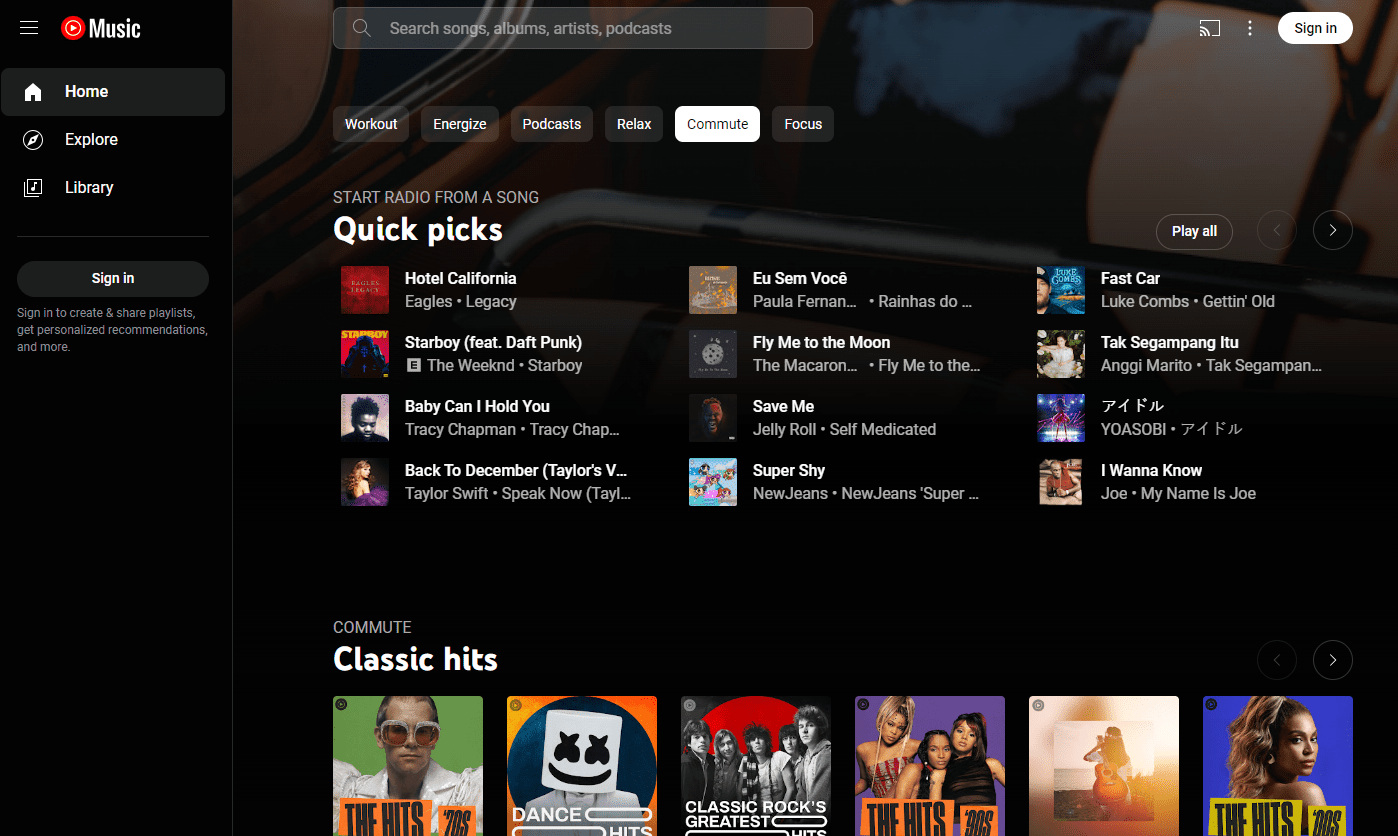
Image source: Lifewire
How to Build Your Own Private Music Cloud for Free
For the "Hybrid Listener," the goal is to combine the discovery power of streaming with the reliability of a personal collection. This strategy protects you from "licensing disappearances"—when a song you love is suddenly removed from a streaming service due to a legal dispute between the label and the platform.
Use services like SoundCloud or Spotify Free to find new artists and build discovery playlists.
Purchase or legally acquire high-quality files (FLAC or 320kbps MP3) of your "forever" favorites. This ensures you own the media regardless of platform changes.
Set up a Network Attached Storage (NAS) or a simple home server using a Raspberry Pi. Software like Plex or Jellyfin allows you to stream your own files to your phone anywhere in the world for free.
Use your private cloud for your core library and Jango or AccuRadio for "lean-back" listening when you want the algorithm to take over.
This approach addresses concerns regarding digital censorship and the "Disneyfication" of streaming libraries. By maintaining a local copy of your music, you are not subject to the whims of corporate licensing agreements. As noted by Moon Audio's expert guides , a home server setup provides the highest possible audio quality without the compression often found in free streaming tiers.
Understanding Audio Quality and Bitrates on Free Tiers
When you stream music for free, you are usually receiving a compressed audio file. But does the difference between 128 kbps and 320 kbps actually matter for the average listener? For most people using standard Bluetooth headphones or smartphone speakers, the difference is negligible. However, for those with high-fidelity equipment, the compression can be noticeable.
The 128kbps vs. 320kbps Reality
Most free tiers, including SoundCloud and the basic settings on Spotify, cap audio at 128–160 kbps. This is a significant reduction from the 320 kbps offered to premium subscribers or the lossless quality of CDs. In a 128 kbps file, high frequencies (like cymbals) can sound "crunchy" or metallic. If you are listening in a noisy environment like a bus or a gym, you likely won't notice. In a quiet room with good wired headphones, the loss of detail becomes apparent.
Loudness Normalization (LUFS)
Have you ever noticed that some songs sound much quieter than others? Streaming platforms use a process called Loudness Normalization, measured in LUFS (Loudness Units Full Scale) . This ensures that a heavy metal track and a folk ballad play at roughly the same perceived volume. Platforms typically target -14 LUFS. If you are uploading your own music to a DIY cloud, understanding LUFS is essential to ensure your tracks don't sound "weak" compared to professional streams.
Top Free Music Options for Groups and Classrooms
Sharing music in a group setting—such as a classroom, a community choir, or a kids' party—presents unique challenges. You need a platform that doesn't require every participant to have a paid account and one that is easy to share via a simple link.
Web-based players like PlaylistSound are excellent for this purpose. They allow a leader to curate a list of tracks that can be accessed by anyone with the URL. Because these platforms often pull from public APIs, they bypass the "walled garden" effect of apps like Apple Music. This makes them a top choice for educators who need to share musical examples with students without forcing parents to sign up for a subscription service.
Frequently Asked Questions
Yes, streaming music for free is entirely legal as long as you use licensed platforms. Services like Spotify, Jango, and iHeartRadio pay royalties to artists and record labels, funded by the advertisements you hear or by artist-sponsorship models. Avoid sites that offer direct MP3 downloads of copyrighted material without authorization, as these typically violate copyright laws.
Apps that allow you to adjust the bitrate (audio quality) are the best for saving data. Spotify Free allows you to set the quality to "Low" (approx. 24 kbps), which is exceptionally efficient for listeners on limited data plans. Pandora is also known for being relatively light on data usage compared to video-heavy platforms like YouTube Music.
Generally, no. Offline listening is the primary feature that streaming services use to entice users to upgrade to a paid "Premium" tier. If you need music offline for free, your best option is to use a service like Freegal Music (if offered by your local library) or to build a personal cloud using your own owned files on a NAS.
This is a deliberate limitation of the Spotify Free mobile tier. To encourage subscriptions, Spotify restricts mobile users to shuffle mode on most playlists and albums. To gain full control over the song order for free, you must use the Spotify desktop application or the web player on a computer.
Jango and Freefy are the two most prominent services that offer a mobile experience without traditional audio ads. Jango uses artist-sponsored tracks instead of commercials, while Freefy leverages the YouTube API to provide an ad-free interface. AccuRadio also offers specific "commercial-free" channels that rotate daily.
The Bottom Line for Free Music Listeners
Streaming music for $0 doesn't have to be a frustrating experience if you use the right tool for the right situation.
- Use AccuRadio for a hassle-free, no-sign-up experience at work.
- Switch to Jango on your mobile device to avoid jarring audio commercials.
- Leverage Spotify Desktop when you need specific control over your playlist order.
- Explore SoundCloud to find rare remixes and indie tracks not available elsewhere.
- Adopt the Hybrid Workflow by keeping a small local library of your absolute favorite tracks on a home server.
- Check Bitrates in your app settings to save data when you are away from Wi-Fi.
Start by trying AccuRadio today to see how a human-curated, low-ad environment changes your daily listening habits.