Home
How to Create a Viral Satoru Gojo Edit That Stands Out from the Crowd
To create a high-performing Satoru Gojo edit, prioritize 4K raw scenepacks and 60fps Twixtor interpolation . The most successful creators leverage Gojo's "Limitless" lore by using custom speed curves to simulate an infinite slowdown before a beat drop. Avoid over-sharpening and excessive flashing, which are common critiques in the editing community. Focus on "Six Eyes" glow animations and clean color grading to differentiate your work from standard templates.
What Makes a Satoru Gojo Edit Go Viral?
Satoru Gojo is widely considered one of the most visually striking characters in modern anime, and his design in Jujutsu Kaisen by MAPPA is a primary reason why "Gojo edits" consistently dominate platforms like TikTok, Instagram Reels, and YouTube Shorts. His character design—specifically the contrast between his white hair, vibrant blue Six Eyes, and dark sorcerer uniform—lends itself to high-contrast, high-energy editing styles.
According to community metrics, a single high-quality Gojo edit can garner 81,000+ views even on smaller niche playlists. However, the sheer volume of content means the space is highly competitive. To stand out, editors must move beyond basic transitions. The current technical benchmark for "pro-level" content includes 4K resolution, 60fps interpolation (often achieved via Twixtor), and precise beat-syncing. As noted by experienced editors on Reddit , the community has grown weary of "copy-paste" edits that use the same CapCut templates and over-saturated filters.
Engagement is often driven by the "Strongest Sorcerer" aesthetic. Edits that emphasize Gojo's dominance in combat or his enigmatic personality tend to perform better than generic montages. By integrating lore-accurate visual cues—such as the "Infinity" barrier or the "Unlimited Void" domain expansion—you create a deeper connection with the audience that casual viewers and hardcore fans alike appreciate.
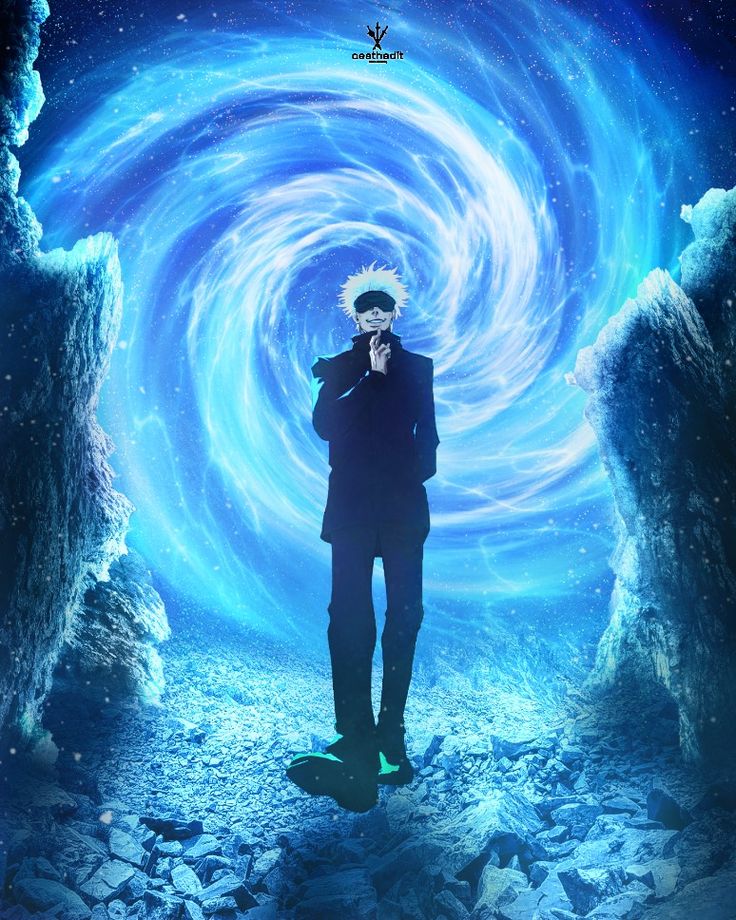
Image source: Pinterest
Where to Find High-Quality 4K Gojo Scenepacks and Raw Clips
The foundation of any top-tier edit is the source material. Starting with low-resolution clips from streaming sites will result in a pixelated final product, especially after applying heavy effects or zooms. Professional editors prioritize "scenepacks"—curated folders of high-definition clips that have been stripped of subtitles and background music.
YouTube Scenepacks
Search for "Gojo scenepack no subs 4K." Many creators provide Mega or Google Drive links in their descriptions. Look for clips from the Hidden Inventory arc for emotional depth or Shibuya Incident for high-octane action.
Pixabay & Stock Sites
For abstract overlays (dust, light leaks, or energy particles), Pixabay offers over 7,650 free 4K/HD clips that can be layered over your anime footage to add texture.
Pinterest Inspiration
While not a source for video files, Pinterest is a top-rated resource for aesthetic inspiration and finding specific still-frames for "manga-animation" hybrid transitions.
| Source Type | Pros | Cons |
|---|---|---|
| Raw Anime Episodes | Complete control over clip selection. | Large file sizes; requires manual subtitle removal. |
| Pre-made Scenepacks | Subtitles already removed; high quality. | Limited to what the creator selected. |
| Twixtor Clips | Ultra-smooth slow motion (60fps+). | Can look "warped" if not handled correctly. |
How to Master the Infinity Transition Using Speed Curves
One of the most innovative ways to edit Gojo is to translate his "Limitless" ability into your editing timeline. In the series lore, Gojo's Neutral Infinity creates a state where objects slowing down as they approach him never actually make contact. You can replicate this visually using Speed Ramping .
- Import your clips: Choose two clips with high motion. For example, Gojo beginning a hand sign and then the impact of a "Blue" or "Red" attack.
- Set Keyframes: Place a keyframe at the start of the motion and another just before the "hit."
- Adjust the Curve: In the speed graph, drag the curve downward sharply. This creates a "snap" effect where the video moves quickly, then lingers in slow motion—simulating the Infinity barrier.
- Add the "Glass Shatter": At the point where the motion almost stops, add a "Glass Shatter" or "RGB Split" effect. This masks the cut to the next clip and provides a satisfying visual payoff.
According to VS Battles Wiki , Gojo's abilities are based on Zeno's Paradox. By understanding the logic of his powers, you can create transitions that feel "lore-accurate," which is a significant advancement over generic sliding transitions used by most beginners.
Advanced CapCut Hacks for Mobile Editors
While professional software like After Effects is a popular choice for PC users, CapCut has become a top-tier option for mobile editors due to its accessibility. However, many of the features that make an edit look "pro" are locked behind a paywall or hidden in sub-menus.
The CapCut Pro Preview Workaround
If you are working on a budget, a common community hack involves using the Pro features (like certain high-end motion blurs or AI effects) and then screen-recording the full-screen preview. While this bypasses the export paywall, ensure your screen recording settings are set to the highest possible bitrate to maintain quality. This method is frequently discussed in editor Discord servers as a way to experiment with premium tools before committing to a subscription.
Twixtor Integration on Mobile
To achieve the "buttery smooth" look seen in viral AMVs, you need frame interpolation. Since mobile processors often struggle with generating new frames, the most effective strategy is to download pre-slowed Twixtor clips from YouTube. When you import these into CapCut, you can speed them up and slow them back down without the "choppy" look that occurs when slowing down standard 24fps footage.
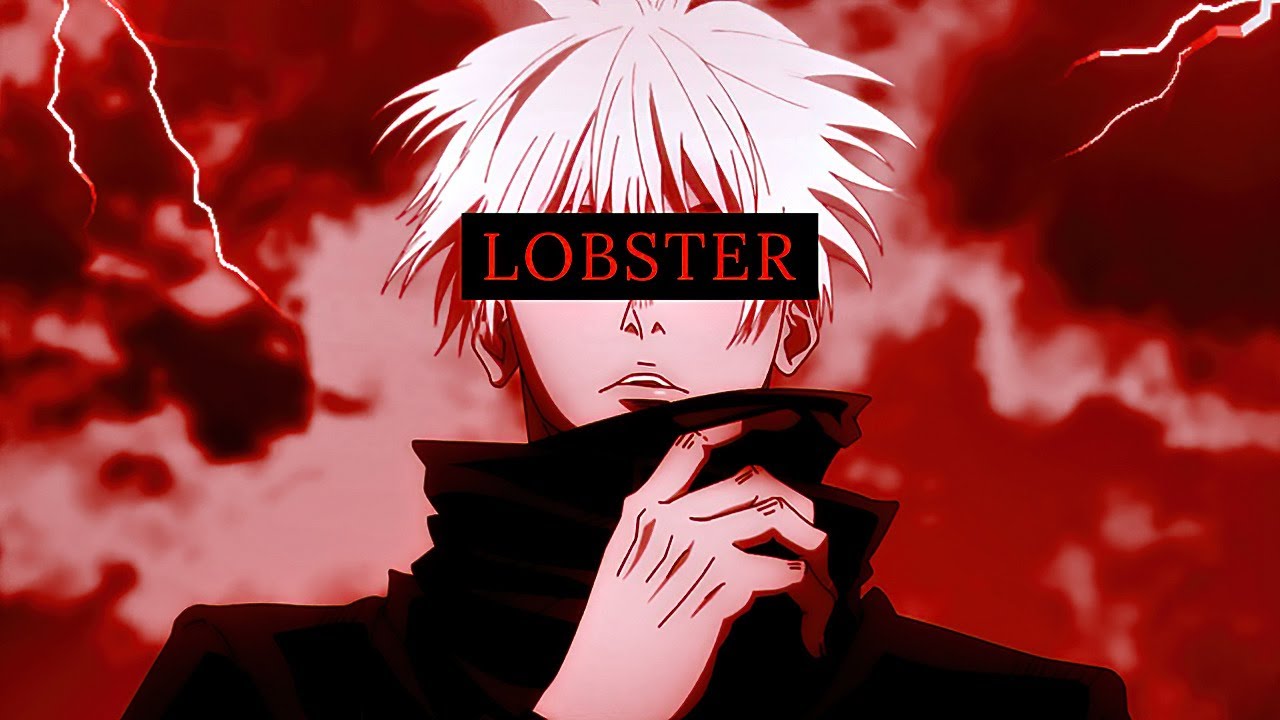
Image source: YouTube
How to Animate the Six Eyes Glow Effect
Gojo's eyes are his most iconic feature. A standard edit might just show them, but a top-rated edit will make them glow . This requires a multi-step masking process that can be done on both mobile and PC.
First, isolate the eyes. Use the Mask Tool (specifically the "Circle" or "Filmstrip" mask) to cover only the pupils. Once masked, duplicate the layer. On the top layer, apply a "Luminance" or "Neon" filter. By increasing the brightness and adding a slight "Gaussian Blur," you create a bloom effect that makes the eyes appear to emit light.
To make the effect dynamic, use Keyframing . Set the intensity of the glow to pulse in time with the bass of your music. For example, if you are using a Phonk track, the eyes should reach maximum brightness exactly when the kick drum hits. This level of detail is what separates "mid" edits from those that go viral.
Common Mistakes That Make Your Edits Look Mid
In the anime editing community, "mid" is a term used to describe content that is technically proficient but lacks soul or creativity. Avoiding these pitfalls is essential for building a following.
- Over-Sharpening: Many editors use AI upscalers or the "Sharpen" tool to make clips look "4K." However, excessive sharpening creates "halos" around MAPPA's clean line art, making the footage look crunchy and artificial.
- Excessive Flashing: While "shakes" and "flashes" add energy, high-opacity white flashes on every beat can cause eye strain. Professional editors recommend using "Light Leaks" or "Color Burns" at 30-50% opacity for a more sophisticated look.
- Audio Desync: Even a two-frame delay between the visual "hit" and the audio beat can ruin the immersion. Always use "Ghost Frames"—tiny, low-opacity overlays of the upcoming clip—to prepare the viewer's eye for the transition.
- The "Copy-Paste" Syndrome: Using a trending CapCut template might get you a few likes, but it won't help you develop a signature style. Use templates for inspiration, but always try to recreate the effects manually to add your own flair.
Best Songs and Audio Styles for Your Next Project
The audio choice sets the mood for the entire edit. For Satoru Gojo, three distinct styles currently dominate the 2026 landscape:
Phonk & Hardstyle
Best for combat-heavy edits from the Shibuya Incident. These tracks emphasize Gojo's status as the "Strongest" and work well with fast, aggressive shakes.
Sped-Up & Kawaii
Perfect for Gojo's playful side. These edits often feature his interactions with students or his signature "Yo, Hisashiburi" moments.
Slowed + Reverb
Ideal for the Hidden Inventory arc. These tracks highlight the tragedy of his relationship with Suguru Geto and require slower, more cinematic transitions.
The Reverse Edit Workflow for Maximum Impact
The "Reverse Edit" is a notably innovative technique that has gained traction recently. It involves playing a clip forward, then reversing it quickly to create a "yo-yo" effect that keeps the viewer's eyes locked on the screen.
To execute this, select a clip with a clear focal point, such as Gojo removing his blindfold. Play the first 15 frames normally, then duplicate the clip and reverse it for the next 10 frames. Apply a "Color Reverse" or "Invert" effect to the reversed section. This creates a high-contrast visual "glitch" that serves as an excellent transition into a combat sequence. As seen in tutorials by creators like Molob , this workflow requires patience but results in a much higher engagement rate than standard linear editing.
Frequently Asked Questions
- How long does a high-quality Gojo edit take to make?
- For a professional-level 15-30 second short, expect to spend anywhere from 5 to 10+ hours. This includes time for clip selection, Twixtor interpolation, color grading, and frame-by-frame beat syncing. Simple template-based edits may only take 15 minutes, but they rarely achieve the same viral potential.
- What is the best app for Gojo edits?
- CapCut is widely regarded as the top choice for mobile editors due to its powerful keyframing and speed curve tools. For PC users, Adobe After Effects remains the industry standard because of its advanced plugin support (like Sapphire and RSMB) and superior masking capabilities.
- Where can I get Gojo clips without subtitles?
- The most reliable method is to search for "Gojo scenepacks" on YouTube or Instagram. Many dedicated "scenepack makers" provide high-bitrate downloads specifically for editors. Avoid screen-recording from streaming apps, as this often triggers black-screen copyright protection.
- How do I make my edit 4K?
- True 4K starts with the source material. You cannot "upscale" a 720p clip to 4K without losing quality. Once you have 4K raw clips, ensure your export settings in CapCut or AE are set to 3840x2160 with a high bitrate (at least 30-50 Mbps) and 60fps.
- What is a Twixtor clip?
- Twixtor is a plugin used to create artificial frames between existing ones, allowing for ultra-smooth slow motion. A "Twixtor clip" is a piece of footage that has already been processed with this effect, making it easier for mobile editors to use without needing a powerful PC.
Key Takeaways for Aspiring Editors
- Source Quality: Always start with 4K scenepacks to ensure your effects don't look pixelated.
- Lore Integration: Use Gojo's "Infinity" concept to inspire your speed ramping and transitions.
- Smooth Motion: Prioritize Twixtor or 60fps footage over raw 24fps clips for slow-motion sequences.
- Subtle Effects: Avoid over-sharpening and excessive flashing; focus on clean color correction (CC).
- Beat Syncing: Every major visual change should happen exactly on an audio "hit" for maximum impact.
- Creative Flair: Move beyond templates by animating the "Six Eyes" glow or using the reverse workflow.
Start by downloading a high-quality scenepack today and focus on mastering a single custom speed curve before moving on to complex masking.