Home
How to Create Viral JJK Edits That Dominate Social Media Feeds
Creating a viral jjk edit requires high-quality logless scenepacks , a mastery of 120fps interpolation , and rhythmic synchronization using methods like Prey Baixo Teclas . As of 2026, the most successful creators leverage character rivalries (like Megumi vs. Yuji) and technical trends such as Dispatch Stat Cards to drive engagement. While CapCut is a popular choice for beginners, professional-grade edits typically utilize After Effects for advanced tweening and custom shakes.
Why JJK Edits Are Taking Over Social Media
The Jujutsu Kaisen (JJK) fandom has cultivated one of the most vibrant editing communities on the internet. With over 1.6 million posts under the #jjkedit tag on TikTok , the demand for high-energy, visually stunning content remains at an all-time high. But what makes this specific series so uniquely suited for the edit treatment?
First, the animation quality provided by MAPPA Studios offers a foundation of high-contrast visuals and fluid combat choreography. Characters like Gojo Satoru and Ryomen Sukuna possess iconic designs that translate perfectly into "hard" edits, where heavy bass and sharp transitions emphasize their overwhelming power. According to community trends, these characters remain the primary focus, though rising stars like Yuta Okkotsu and Maki Zenin have seen a significant surge in popularity in recent months.
Beyond the visuals, the emotional weight of the story provides ample material for "sad" or "tribute" edits. The community often pivots between high-octane battle montages and somber reflections on character losses, ensuring that there is a sub-genre for every type of viewer. For creators, the real growth isn't just in watching these clips but in mastering the technical workflows that allow a video to stand out in a saturated feed. Transitioning from a casual viewer to a top-tier editor involves understanding the nuances of frame rates, color grading, and community-driven trends.
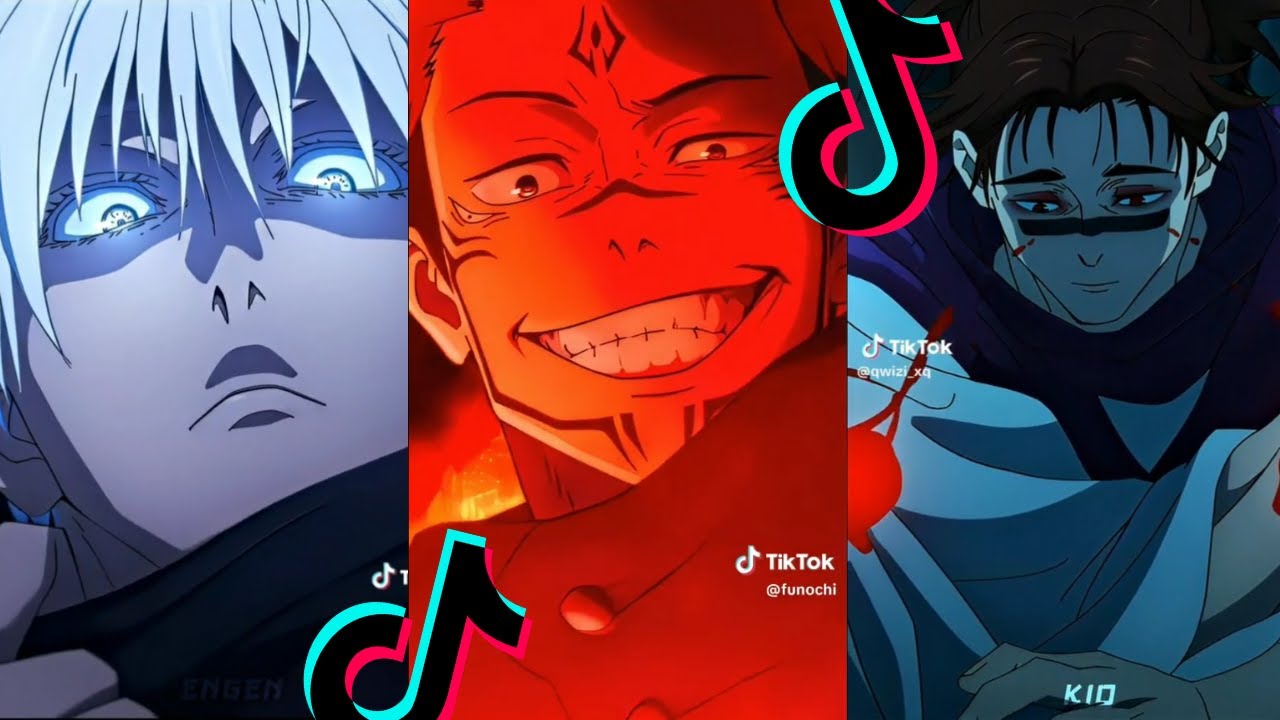
Image source: YouTube
Popular JJK Edit Styles You Should Know
To succeed in the JJK editing space, you must first identify which style resonates with your creative vision. The community has categorized several distinct "meta" styles that frequently go viral.
The Walking Edit and Character Presence
The "Walking Edit" is a staple of the JJK community, particularly for characters like Toji Fushiguro or Gojo Satoru. These edits focus on the character's gait, confidence, and physical presence. The key to a successful walking edit is the speed ramp —slowing down the footage as the foot hits the ground and accelerating during the swing. This creates a rhythmic, hypnotic effect that emphasizes the character's "alpha" status. Music choices usually involve phonk or heavy-bass tracks like "Money Rain" to match the swagger of the visuals.
Manga Edits and the Art of Tweening
While anime footage is popular, manga edits represent a high-effort tier of creativity. Instead of using animated clips, editors use static panels from the source material. Through a process called tweening (in-betweening), creators manually animate parts of the panel—such as moving a character's arm, flowing hair, or shifting eyes—to create a 2.5D effect. This style is widely regarded as one of the most impressive forms of editing because it requires deep technical knowledge of software like Alight Motion or After Effects. A single 15-second manga edit can take days to complete, but the resulting engagement is often exceptionally strong due to the unique aesthetic.
Other notable styles include:
- Horror and Gore Aesthetics: Leveraging the dark nature of Curses and Domain Expansions to create "disturbing" or "hard" edits.
- Motivation Edits: Focusing on character growth, training sequences, and the "never give up" attitude of Yuji Itadori.
- Vibe/Chill Edits: Using lo-fi music and softer color corrections (CC) to showcase the slice-of-life moments between Jujutsu High students.
How to Find High-Quality JJK Scenepacks and Logless Footage
The most common mistake beginners make is using low-quality YouTube rips or clips with subtitles. To create a professional-grade jjk edit, you need logless footage —clips that are "clean" of watermarks, subtitles, and UI elements. High-tier editors prioritize 1080p or 4K sources to ensure the final product looks crisp even after applying heavy filters.
Finding these resources requires knowing where the community "drops" their scenepacks. Many top editors maintain Discord servers or Telegram channels where they share raw files. On platforms like TikTok and Instagram, searching for "JJK scenepack" or "Gojo logless" will often lead you to Linktree pages containing Mega or Google Drive folders. These packs are essential because they save you the time of cutting the episodes yourself.
Furthermore, the 120fps standard has become a benchmark for quality. While anime is traditionally produced at 24fps, editors use frame interpolation tools like Flowframes or the Twixtor plugin to generate artificial frames. This allows for "buttery smooth" slow motion that is a hallmark of the modern JJK edit aesthetic. Without this interpolation, slowing down a clip results in a choppy, stuttering visual that can ruin the flow of your edit.
Advanced Technical Workflows for Professional Quality
If you want your edits to rank among the top in the community, you must move beyond basic cuts and transitions. Professional editors use specific workflows to ensure their timing and visuals are frame-perfect.
Mastering the Prey Baixo Teclas Method
The Prey Baixo Teclas method is a rhythmic editing technique that has gained significant traction. It involves a deep synchronization between the audio waveform and the visual cuts. Instead of just cutting on the "kick" of a drum, this method focuses on mapping the "tecla" (key) hits—the subtle, high-frequency clicks or off-beats in a song. By placing micro-shakes or flashes on these off-beats, you create a sense of tension and complexity that feels more dynamic than a standard beat-sync. Editors often visualize this by looking for the smallest spikes in their audio timeline and placing keyframes exactly on those points.
120fps Interpolation for Smooth Motion
To achieve the "pro" look, you must master time remapping. Here is a simplified workflow for high-frame-rate editing:
- Source Selection: Import your 24fps logless JJK footage into your software.
- Interpolation: Use a tool like Twixtor (After Effects) or the "Optical Flow" setting in CapCut. Set the input frame rate to 23.976 and the output to 60 or 120.
- Keyframing: Create a "Speed Ramp." Start the clip at 200% speed, then drop it to 20% exactly when a character performs an action (like Gojo lifting his blindfold).
- Motion Blur: Apply RSMB (ReelSmart Motion Blur) to blend the artificial frames together, preventing the "soap opera effect" and making the movement feel natural.
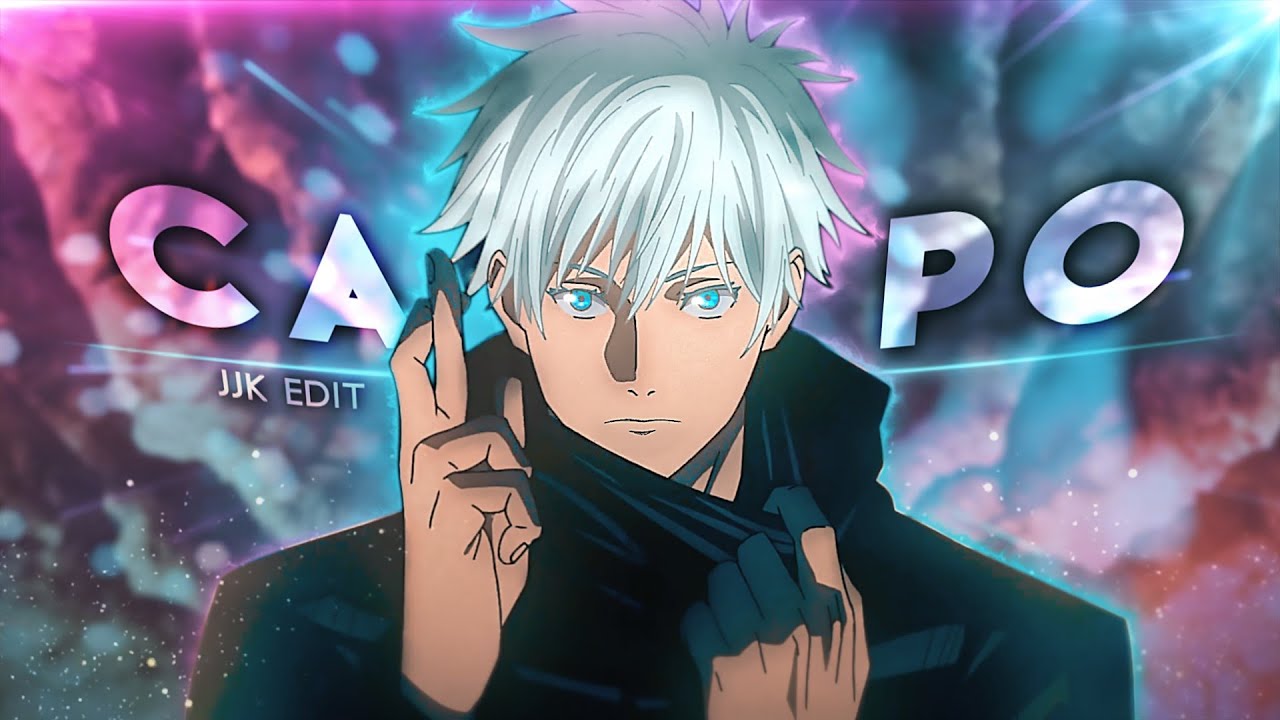
Image source: YouTube
Additionally, custom S_Shake configurations are a top-rated choice for adding impact. Instead of using the generic "Shake" effect in CapCut, After Effects users manually adjust the X and Y frequency, tilt, and motion blur of their shakes to match the intensity of the scene. A "Domain Expansion" edit, for example, might use a violent, high-frequency shake, while a "Walking Edit" would use a subtle, rhythmic sway.
Step-by-Step Guide to the Dispatch Stat Card Trend
The Dispatch Trend , originally popularized in K-pop fandoms, has become a major pillar of the JJK editing scene. This style involves creating a "Stat Card" for a character, displaying their attributes like Power, Speed, IQ, and Battle IQ in a rhythmic, stylized layout.
To create a Dispatch edit, you need to combine character data with motion graphics. The engagement for these edits is often remarkably high because they spark debates in the comments section about whether the stats are accurate. For example, giving Sukuna a lower "Speed" stat than Gojo will almost certainly trigger a wave of comments from fans defending their favorite character.
| Stat Category | Gojo Satoru (Example) | Sukuna (Example) | Yuta Okkotsu (Example) |
|---|---|---|---|
| Power | 10/10 | 10/10 | 9/10 |
| Speed | 10/10 | 9.5/10 | 8.5/10 |
| IQ / BIQ | 9/10 | 10/10 | 9/10 |
| Hype Factor | Infinite | High | Rising |
When designing your stat card, use a clean, minimalist aesthetic. Use bold, sans-serif fonts and high-quality PNGs of the characters with the backgrounds removed. The "reveal" of each stat should be synced to a sharp sound effect or a beat drop. Many creators use community-debated stats from sources like the VS Battles Wiki to add a layer of "authority" to their edits, even if the stats themselves are subjective.
How to Use Community Debates to Boost Your Engagement
In the world of social media algorithms, engagement is king. The JJK community is highly opinionated, and smart editors leverage these opinions to drive their videos to the "For You" page. One of the most effective ways to do this is by tapping into the "Bum" character phenomenon .
Currently, there is a massive (and often humorous) rivalry regarding Megumi Fushiguro. Edits that either "slander" Megumi or "glaze" (overly praise) Yuji Itadori tend to generate thousands of comments. By framing your edit as a "Tribute to the Real MC" (Yuji) or "Why Megumi is a Fraud," you invite fans to argue in your comment section. This activity signals to the algorithm that your content is highly engaging, leading to a wider reach.
"The best way to go viral isn't just making a good edit; it's making an edit that people feel the need to talk about. Whether they agree with your power scaling or hate your character choice, a comment is a comment." — Community Wisdom
Another strategy is focusing on the manga ending reception . As the story concludes, edits that serve as "memorials" for fallen characters or "hype" for the final battle are incredibly timely. Using specific quotes from the latest chapters (in moderation to avoid copyright issues) can make your edit feel like a "must-watch" for manga readers. Joining edit groups (or "pookies" as they are sometimes called in the community) is another way to grow. These groups often collaborate on "Mega Edits" where each member edits a different character, combining their followers to reach a massive audience.
Common Editing Mistakes That Ruin Your JJK Clips
Even with the right footage and tools, certain pitfalls can prevent your jjk edit from reaching its full potential. Avoiding these common errors will help you maintain a professional standard.
Over-Editing and Visual Clutter: One of the most frequent mistakes is applying too many effects at once. If your color correction (CC) is so dark that the viewer can't see the action, or if your "shakes" are so violent they cause motion sickness, the quality of the edit suffers. A top-rated edit balances style with clarity. The goal is to enhance the animation, not hide it behind a wall of filters.
Poor Audio Syncing: In rhythmic editing, being off by even a single frame can be jarring. This is especially true for "Domain Expansion" scenes where the visual climax must hit exactly on the bass drop. If the audio and video are misaligned, the "impact" of the edit is lost. Always double-check your timeline by zooming in to the frame level to ensure your markers align with the audio peaks.
Copyright and Muting Issues: Platforms like TikTok and YouTube are strict about copyrighted music. To avoid having your hard work muted, try slightly altering the pitch of your audio or adding subtle sound effects (like sword slashes or energy hums) over the music. This not only helps bypass automated filters but also adds a layer of "sound design" that makes your edit feel more immersive. According to CapCut's creator resources , using trending sounds directly from the app's library is a safer way to ensure your video remains live and eligible for monetization.
Frequently Asked Questions
How do I get JJK clips without subtitles?
To find "logless" clips, search for "JJK scenepacks" on platforms like TikTok, Discord, or Telegram. Many creators provide links to Google Drive or Mega folders containing high-quality, subtitle-free footage. Avoid ripping directly from streaming sites, as these usually include hardcoded subs and watermarks.
What is the best app for JJK edits?
For beginners, CapCut is a top-rated choice due to its intuitive interface and built-in templates. However, for professional-level edits involving complex tweening and 3D effects, After Effects (Desktop) or Alight Motion (Mobile) are widely considered the standard tools used by the community's top creators.
How do people make the manga panels move?
This technique is called tweening . Editors cut the manga panel into different layers (e.g., the character, the arm, the background) using a masking tool. They then use keyframes to animate each layer independently, creating the illusion of motion. This is a time-consuming process but results in a highly unique aesthetic.
Why was my JJK edit muted on TikTok?
Edits are usually muted due to copyright strikes on the background music. To prevent this, use "trending" sounds from the TikTok library or slightly modify the pitch and speed of your track. Adding your own sound effects (SFX) can also help the audio pass through copyright detection algorithms.
How do I make my edits look 4K and crisp?
Achieving a 4K look involves two steps: using high-quality source footage and applying a "Sharpen" or "Unsharp Mask" effect during export. Additionally, many editors use AI upscalers or specific Color Correction (CC) settings that boost contrast and clarity, making the lines of the animation pop.
- Prioritize Quality: Always use logless, 1080p+ scenepacks to ensure your edit looks professional and clean.
- Master Smoothness: Use 120fps interpolation (Twixtor/Flowframes) to achieve the "buttery" slow-motion effect that defines the genre.
- Sync the "Tecla": Move beyond basic beat-syncing by using the Prey Baixo Teclas method to map cuts to subtle audio off-beats.
- Leverage Trends: Create Dispatch-style stat cards and tap into community rivalries (like Megumi vs. Yuji) to drive engagement.
- Balance Effects: Avoid over-editing; ensure your color corrections and shakes enhance the animation rather than obscuring it.
- Join the Community: Collaborate with other editors in groups to expand your reach and learn advanced tweening techniques.
Start by downloading a high-quality Gojo or Sukuna scenepack today and practice your first speed ramp to see the difference in quality immediately.