Home
How to Create a Viral Phonk Edit That Stands Out on Social Media
Creating a viral phonk edit in 2026 requires mastering the 120 FPS liquid motion technique and the Aura aesthetic . Creators typically use CapCut or Alight Motion to sync aggressive Brazilian Phonk (Montagem) tracks with high-contrast anime or sports footage. To avoid copyright muting, it is widely regarded as a top choice to use platform-native audio libraries or royalty-free assets from sources like Pixabay .
Phonk has evolved from its niche Memphis rap roots into a global visual phenomenon. Whether you are scrolling through TikTok, Instagram Reels, or YouTube Shorts, the aggressive bass and distorted melodies of phonk edits are impossible to ignore. But as the community grows, the standard for quality has shifted. Simply cutting clips to a beat is no longer enough to go viral. Today, the most successful creators utilize advanced frame interpolation, specific color grading "stacks," and a deep understanding of sub-genre trends like Brazilian Phonk.
What Are the Most Popular Phonk Edit Styles Right Now?
The phonk landscape is not monolithic. Depending on the visuals and the specific BPM of the track, your edit will fall into one of several trending categories. Understanding these distinctions is a significant step forward in finding your target audience.
The Rise of Brazilian Phonk (Montagem)
As of late 2025 and moving into 2026, Brazilian Phonk—often referred to as Montagem or Brazilian Funk—has become a dominant force. Unlike the slower, atmospheric "Drift Phonk" of previous years, Brazilian Phonk is characterized by high BPM (usually 140-160), aggressive percussion, and heavy use of vocal chops. This style is a popular choice for high-energy edits featuring combat sports, fast-paced anime like Blue Lock , or elite football highlights. According to community data, tracks like "MONTAGEM PEGADORA" have reached over 114 million plays, signaling the massive scale of this sub-genre.
Defining the Aura Aesthetic
The "Aura" edit is less about the music and more about the "presence" of the subject. It utilizes a specific visual language: high contrast, deep shadows, and a glowing outline around the character. The goal is to make the subject look god-like or untouchable. This style frequently features characters like Mahoraga from Jujutsu Kaisen or Nagi from Blue Lock . The visual hallmarks include a "Blue/White" color grade that emphasizes coldness and power.
- BPM: 120-130
- Vibe: Atmospheric, Dark, Gritty
- Visuals: Cars, Night Cities, Lo-fi Anime
- Key Effect: Motion Blur & Grain
- BPM: 140-160
- Vibe: Aggressive, Rhythmic, Hype
- Visuals: Sports, Combat, High-Action Anime
- Key Effect: Shake & Tremble Zoom
Where to Find Top Phonk Music for Your Edits
Finding the right track is half the battle. Many creators hear a viral snippet but struggle to identify the full song because phonk tracks are often mislabeled or titled in Portuguese. Identifying the correct artist is essential for proper credit and finding similar tracks.
Viral Song Identification Cheat Sheet
Based on data from Reddit's NameThatSong community and trending TikTok snippets, here is a mapping of common edit sounds to their actual titles.
| Common Edit Snippet Name | Official Artist & Track Name | Primary Sub-Genre |
|---|---|---|
| "The Mahoraga Theme" | MONTAGEM PEGADORA (Slowed) | Brazilian Phonk |
| "The Aura Song" | FUNK TONTO | Brazilian Funk |
| "Drift King Theme" | METAMORPHOSIS - INTERWORLD | Drift Phonk |
| "Rhythmic Montagem" | MONTAGEM RITMADA | Brazilian Phonk |
Top Trending Phonk Tracks for Creators
If you are looking for fresh inspiration, curated playlists are a top-rated resource. Platforms like Spotify's Phonk For Edits and YouTube Music's trending sections provide a constant stream of new releases. In 2026, look for tracks that experiment with "Ultra Slowed" versions, as these are currently highly impactful for creating a dark, cinematic atmosphere.
How to Find Royalty-Free Phonk Music That Won't Get Muted
One of the most common frustrations for creators is the "Muted Video" notification. Copyright systems on TikTok and YouTube are increasingly sensitive to Brazilian Funk tracks due to regional licensing restrictions. To ensure your hard work stays visible, you need a strategic approach to audio sourcing.
For YouTube creators, the risk of Content ID claims is higher. Using royalty-free assets is a highly effective way to protect your channel. Pixabay currently hosts over 4,400 phonk tracks that are safe for commercial use. These tracks often mimic the style of viral hits without the legal baggage. Additionally, many "No Copyright" YouTube channels offer phonk mixes specifically designed for background use in gaming and edit content.
How to Make a Phonk Edit in CapCut Step by Step
CapCut has established itself as a top choice for mobile editors due to its robust keyframing and built-in effects. While professional software like After Effects offers more control, CapCut’s accessibility makes it a strong contender for viral success.
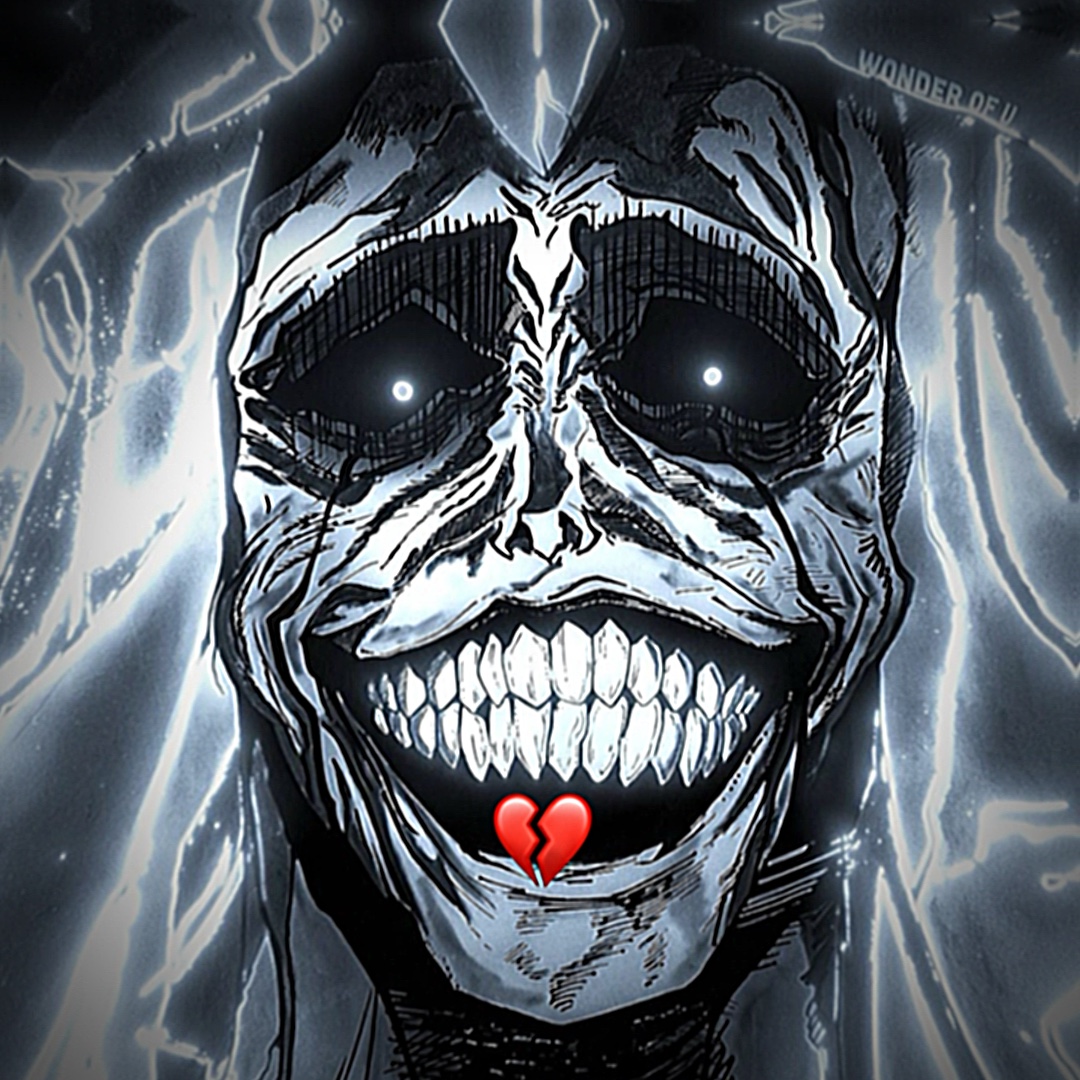
Image source: Pippit AI
Setting Up Your Project for High Quality
Before you start cutting, you must ensure your source footage is high quality. Viral edits typically use 1080p or 4K footage. If you are using anime clips, look for "raw" episodes without subtitles. In CapCut, set your project resolution to 1080p and your frame rate to 60fps immediately upon starting. This ensures that any slow-motion effects you apply later will remain smooth rather than choppy.
The 120 FPS Method for Liquid Smooth Motion
The "liquid" look seen in high-end edits is achieved through a technique called frame interpolation. If you have 120 FPS footage, you can interpret it into a 24 FPS or 30 FPS timeline. This allows you to slow down the footage to 20% or 25% speed while maintaining perfect clarity. If your source is only 60 FPS, use CapCut’s "Smooth Slow-Mo" feature (found under the Speed menu). Select "Better Quality" to allow the AI to generate intermediate frames, creating that remarkably smooth motion seen in trending Blue Lock edits.
Import your audio and use the "Match Out" or "Beats" tool to mark every major bass kick. These markers will guide your transitions.
Align your clips so that the most impactful action (a punch, a goal, a car drift) happens exactly on the beat marker. Trim the start and end of each clip to keep the pacing tight.
Add a keyframe at the start of a clip and another at the end. On the second keyframe, slightly zoom in or rotate the footage. This prevents the edit from feeling static.
Go to Video Effects > Nightclub > Shake. Shorten the effect duration to match the beat. Adjust the intensity to around 15-20 for a subtle "hit" feel.
How to Apply the Mahoraga Effect Stack for High Impact
The "Mahoraga" effect stack is a specific combination of filters and transitions that has become a hallmark of the Aura aesthetic. It is designed to emphasize power and impact during a bass drop. According to advanced TikTok tutorials , the settings must be precise to avoid a cluttered look.
- Tremble Zoom Transition: Set the duration to exactly 0.1s or 0.2s. This creates a sharp "jolt" when the scene changes.
- Block Glitch & Glow: Apply the "Block Glitch" effect at 30% opacity during the peak of the bass. Layer a "Glow" effect on top to highlight the character's eyes or silhouette.
- Vertical Blur: Add a slight vertical blur at the start of the transition to simulate high-speed movement.
- Color Grade: Increase Contrast to +20, decrease Brightness to -10, and set Saturation to -15. This creates the "cold" atmosphere necessary for the Aura look.
Advanced Visual Techniques for Professional Edits
To move beyond the basics, you must master the nuances of color theory and motion curves. These techniques separate amateur edits from those that rank among the top in engagement.
Achieving the Aura Color Grade
The Aura look relies heavily on a "Blue/Cyan and White" palette. In CapCut’s adjustment menu, go to HSL. Select the Blue and Cyan channels; increase their Saturation and Luminance. Then, select the Red and Orange channels (which usually represent skin tones) and decrease their Saturation. This makes the character look ethereal and detached from the environment. Adding a "Vignette" at +30 helps draw the viewer's eye to the center of the frame.
Using AI Beat-Syncing Wisely
CapCut offers an "Auto-Sync" feature that places clips on the beat for you. While this is a notably innovative tool for beginners, professional editors often find it lacks the "soul" of manual editing. AI often misses the "ghost notes" or subtle rhythmic shifts in Brazilian Phonk. Use Auto-Sync as a baseline, but always manually adjust the clips to ensure the visual impact aligns with the *heaviest* part of the bass, not just the nearest marker.
How to Avoid Copyright Claims and Muted Videos
Copyright management is a critical skill for any creator looking to build a long-term presence. Different platforms handle phonk music differently, and knowing these nuances can save your content from being taken down.
YouTube Shorts is generally more lenient with "Slowed + Reverb" versions of songs, as the alteration in pitch and speed can sometimes bypass automated Content ID filters. However, this is not a guaranteed fix. TikTok, on the other hand, is very strict about the original audio file. If you are using a trending Brazilian Phonk track, the safest method is to use the platform's official library. If the song isn't available, you may need to use a "Royalty-Free" alternative from Pixabay or similar libraries to ensure your video remains monetizable or at least visible.
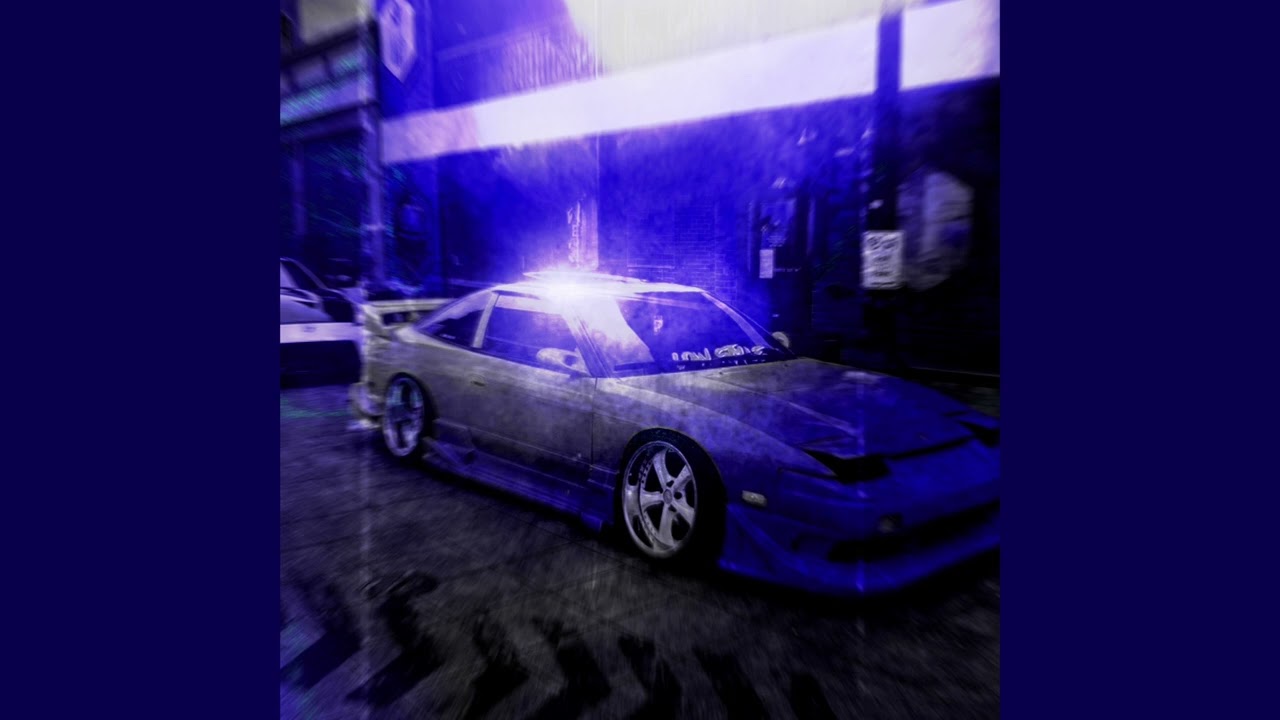
Image source: YouTube
Final Takeaways for Viral Phonk Success
- Prioritize High Frame Rates: Always aim for 60 FPS or 120 FPS source footage to achieve the liquid motion look.
- Master the Sub-Genres: Distinguish between the atmospheric Drift Phonk and the high-energy Brazilian Phonk to match your visuals correctly.
- Use the "Add Sound" Hack: Protect your videos from muting by linking them to official platform audio at low volume.
- Focus on the Aura Aesthetic: Use high contrast, blue/cyan color grading, and tremble zooms to create a powerful presence.
- Manual Syncing is Key: Don't rely solely on AI; manually align your most impactful frames with the heaviest bass drops.
- Source Safely: Use royalty-free libraries like Pixabay for YouTube content to avoid Content ID strikes.
Start your next project by selecting a high-BPM Brazilian Phonk track and focusing entirely on the precision of your first three transitions.
Frequently Asked Questions