Home
Home
Where to Find and How to Set Up High-Quality Cute Wallpapers for Your Devices
To find the most popular wallpaper cute designs in 2026, prioritize high-resolution (4K) sources like Unsplash for photography or Kawaii Hoshi for hand-drawn, "No-AI" illustrations. For mobile devices, ensure your aspect ratio matches (e.g., 1290 x 2796 for iPhone 15/16 Pro Max). Use the iOS Depth Effect or Android Live Wallpaper settings to add dynamic movement to your screen aesthetic.
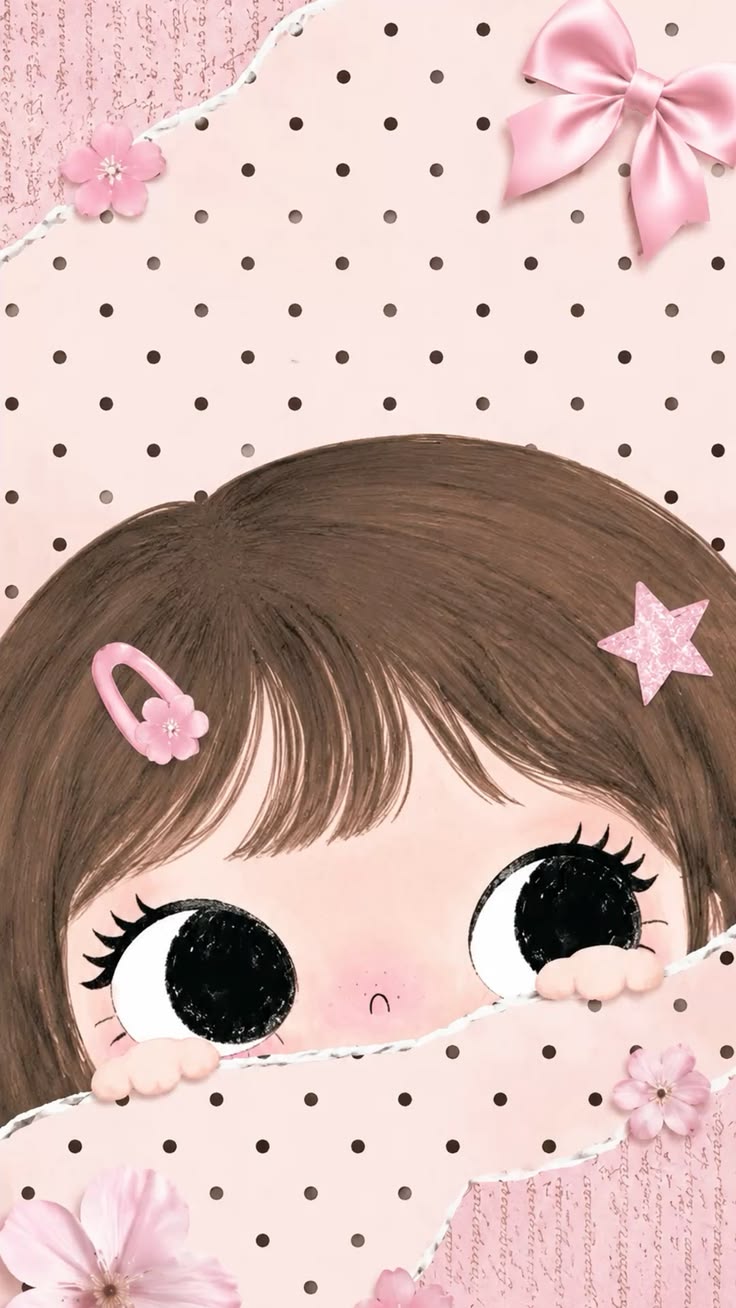
Image source: Pinterest
Why Your Wallpaper Choice Matters for Your Daily Mood
In the digital age, our screens are the first things we see in the morning and the last things we check at night. Design experts at platforms like Canva suggest that choosing a "cute" or aesthetically pleasing wallpaper provides a genuine "serotonin boost." This isn't just about decoration; it is about creating a digital environment that reflects your personality and reduces visual stress.
The shift from generic imagery to specific "aesthetic" movements has transformed how we interact with our devices. Whether it is the soft glow of a pastel sunset or the charming simplicity of a hand-drawn character, these visuals act as a form of digital self-care. According to recent design philosophy, a well-chosen background can improve focus and provide a brief moment of joy during a busy workday. As we move through 2026, the demand for high-density visual grids that offer immediate emotional resonance continues to grow.
Popular Cute Wallpaper Aesthetics You Should Know
The Kawaii Culture Explosion
Kawaii, the Japanese culture of cuteness, has moved far beyond its origins to become a global phenomenon. Characters from Sanrio, such as Hello Kitty and My Melody, remain staples, but newer icons like Peach & Goma , Molang , and Pusheen have captured the hearts of a new generation. These designs typically feature large eyes, rounded shapes, and simplified features that trigger a nurturing response in the human brain.
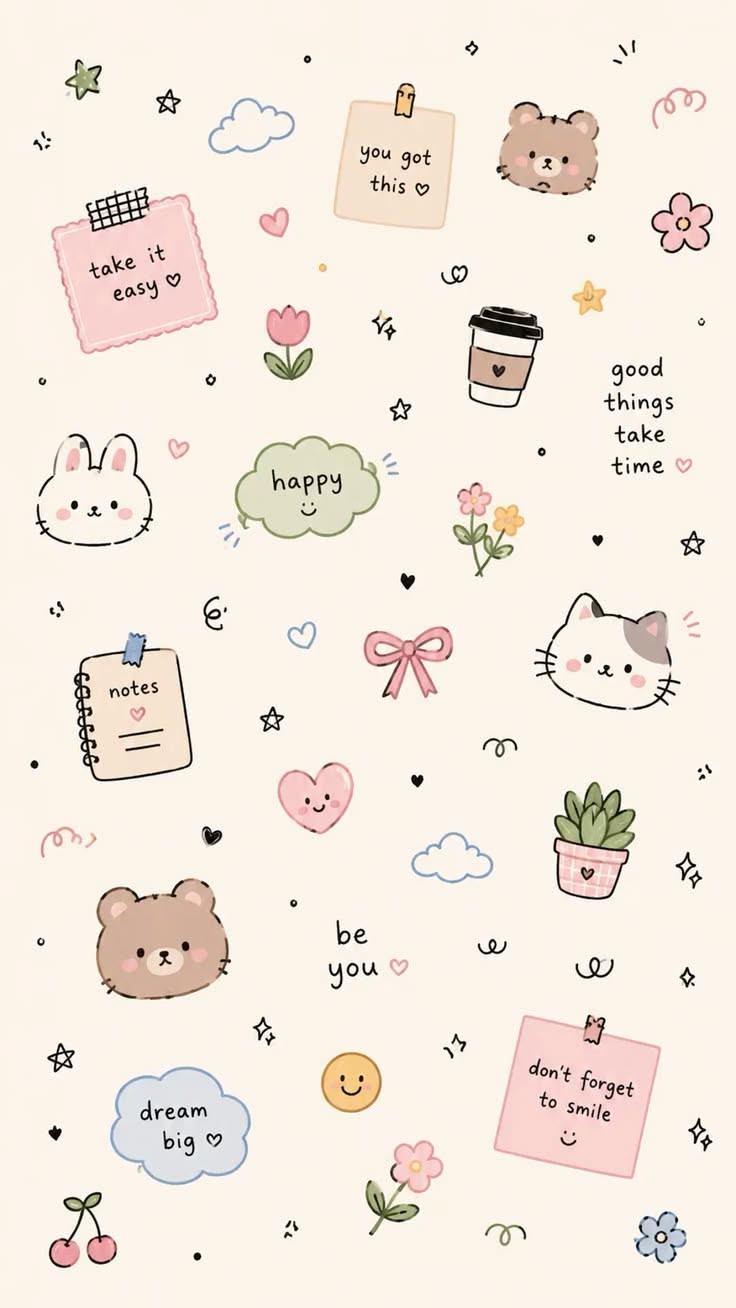
Image source: Pinterest
Minimalist and Pastel Trends
For those who find busy patterns distracting, the minimalist pastel movement offers a sophisticated alternative. Trends for 2026 highlight "Sage Green" and "Strawberry Milk Pink" as the dominant color palettes. These wallpapers often feature a single, small icon in the center of a solid color field, providing plenty of "white space" that makes app icons easier to read. This aesthetic is particularly popular among professionals who want a touch of cuteness without sacrificing a clean, organized look.
The Rise of the No-AI Movement
A significant advancement in the digital art community is the "No-AI" movement. As AI-generated imagery becomes more common, many users are actively seeking out human-drawn, hand-illustrated art. Niche boutiques like Kawaii Hoshi have gained popularity by strictly offering human-made designs. These wallpapers often have small "imperfections" or unique brush strokes that give them a soul and character that many find lacking in algorithmic art.
Trending Animals in Digital Art
While cats and dogs will always be popular, 2026 has seen a surge in niche animal trends. Capybaras have become the unofficial mascots of "chill" culture, while Axolotls are highly sought after for their unique, smiling appearance. Community forums often note that finding "actually cute" axolotl art can be a challenge, making high-quality illustrations of these creatures a prized find for collectors.
High Resolution Resources for Downloading Cute Wallpapers
Finding the right image is only half the battle; ensuring it looks crisp on your high-resolution screen is the other. Here are the top-rated resources for 2026:
- Unsplash & Adobe Stock: These platforms are among the strongest options for high-resolution (4K/HD) photography. If you prefer realistic "cute" imagery—like a macro shot of a kitten or a soft-focus floral arrangement—these are your primary destinations. Adobe Stock offers a massive library of professionally curated assets.
- Canva: This is a top-tier choice for users who want to customize their backgrounds. You can take a "cute" template and add your own name, change the colors to match your phone case, or add specific stickers.
- Pinterest: While not always the best for high-res downloads, Pinterest is a popular choice for "vibe" discovery. It allows you to create inspiration boards and find niche artists you might not encounter elsewhere.
- Kawaii Hoshi: As mentioned, this site stands out as a top choice for authentic Japanese-style illustrations that are guaranteed to be human-made.
Image source: Fab Mood
How to Choose the Right Resolution for Your Screen
Using a low-resolution image on a modern flagship phone will result in blurring and pixelation. Even if an image looks "cute" in a thumbnail, it must match your device's specific dimensions to maintain clarity. Pixel density (PPI) is higher than ever in 2026, meaning "4K" is no longer just for televisions—it is a standard for mobile clarity as well.
| Device Type | Model Example | Recommended Resolution |
|---|---|---|
| Smartphone (Large) | iPhone 15/16 Pro Max | 1290 x 2796 px |
| Smartphone (Standard) | Android Flagships | 1440 x 3120 px (QHD+) |
| Laptop / Desktop | Standard Monitor | 1920 x 1080 or 1920 x 1200 |
| High-End Laptop | MacBook Pro 14-inch | 3024 x 1964 px |
How to Set Up Dynamic and Live Wallpapers on Any Device
Static images are classic, but dynamic backgrounds bring your screen to life. Setting these up can be tricky depending on your operating system, but the results are often remarkably impactful.
Making it Move on iOS
Apple's "Depth Effect" is a significant step forward for lock screen customization. It allows the subject of your wallpaper to overlap the clock, creating a 3D look. To achieve this, you need an image with a clear subject and a distinct background. When setting the wallpaper, ensure "Depth Effect" is toggled on in the bottom right corner of the preview screen.
Android Live Backgrounds
Android users have long enjoyed live wallpapers, which can range from interactive particles to looping videos. You can use native settings to set a GIF or MP4 as your background, or use third-party apps from the Play Store to manage more complex animations. Many users find that these live elements add a layer of personality that static images cannot match.
Desktop Customization for PC and Linux
For desktop users, tools like Wallpaper Engine (for Windows) or Komorebi (for Linux) are highly recommended. These tools allow for high-performance animated backgrounds that don't drain your system resources. According to discussions on the Zorin Forum , Linux users often face unique hurdles with dynamic backgrounds, but dedicated tools make the process much smoother.
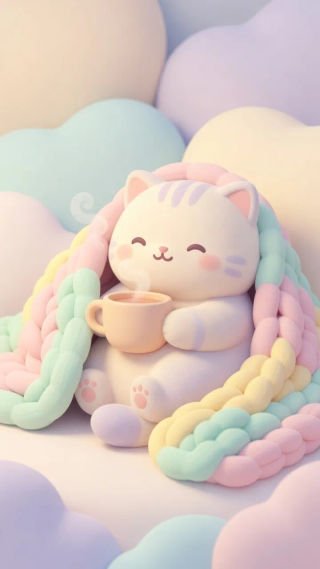
Image source: Morphic
How to Create Your Own Cute Wallpaper Using Procreate or Canva
If you cannot find the perfect image, creating your own is a rewarding alternative. You don't need to be a professional artist to design something that looks great on your screen.
- Set Your Canvas Size: In Procreate, create a custom canvas. For a modern iPhone, use 1290 x 2796 pixels at 300 DPI. This ensures your art remains crisp even when zoomed in.
- Choose a Cohesive Palette: Use hex codes to maintain a specific aesthetic. For example, #FFD1DC is a classic Pastel Pink, while #B2AC88 provides a trendy Sage Green look.
- Layer Your Elements: Place your main "cute" subject (like a cat or a flower) on a separate layer from the background. This allows you to move it around to avoid being covered by the clock or app icons.
- Use Canva Templates: If you aren't comfortable drawing, Canva offers "drag-and-drop" tools. You can search their library for "cute" elements and arrange them on a pre-sized phone wallpaper template.
- Export and Transfer: Save your file as a high-quality PNG. Transfer it to your phone via cloud storage or AirDrop to avoid the compression that often happens when sending images through messaging apps.
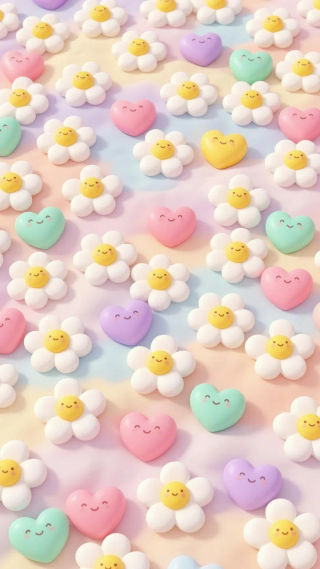
Image source: Morphic
Frequently Asked Questions
Where can I find cute wallpapers that are actually free?
How do I make my own cute wallpaper for my phone?
What are the most popular cute wallpaper aesthetics right now?
How do I set a GIF as a cute wallpaper on my lock screen?
What is the difference between Kawaii and Aesthetic wallpapers?
Final Thoughts on Perfecting Your Screen Aesthetic
Choosing the right wallpaper is a simple yet effective way to personalize your digital space and improve your daily mood. By following a few technical and stylistic guidelines, you can ensure your device looks its best.
- Prioritize high resolution (HD or 4K) to ensure your screen remains crisp and professional.
- Match the aspect ratio to your specific device model to avoid awkward cropping or stretching.
- Explore the No-AI movement by supporting human artists who create unique, hand-drawn illustrations.
- Consider the psychological impact of colors, opting for pastels or sage greens for a calming effect.
- Utilize dynamic settings like the iOS Depth Effect to add a modern, three-dimensional feel to your lock screen.
- Experiment with DIY tools like Canva or Procreate to create a truly one-of-a-kind background.
Take a moment today to refresh your screen with a design that truly makes you smile every time you unlock your device.