Home
Home
Where to Find and How to Set High-Resolution Meme Wallpapers for Every Device
For the sharpest display in 2026, prioritize 4K resolution (3840 x 2160) for desktops and 9:16 aspect ratios for mobile devices. Top-tier sources like Wallpapers.com and WallpaperCave offer thousands of free assets. To avoid blurriness, always check the pixel count before downloading and prefer WebP or PNG formats for the best clarity.
Why High-Quality Meme Wallpapers Matter for Your Digital Space
In 2026, our digital environments are more than just functional workspaces; they are extensions of our personalities. Memes have evolved from simple jokes into a primary digital dialect, a way to communicate complex emotions and cultural commentary through a single image. Choosing a meme wallpaper is an act of "visual literacy," signaling your alignment with specific online subcultures or "vibes."
However, as display technology has advanced, the standard for what constitutes a "good" wallpaper has shifted. With the prevalence of 5K monitors and ultra-high-density mobile screens, the low-resolution "image macros" of the early 2010s often look pixelated and dated. To maintain a professional yet personality-driven aesthetic, users now seek high-definition assets that respect the hardware they are viewed on. According to recent design trends, the baseline for desktop clarity is now firmly set at 4K (3840x2160), ensuring that even the most chaotic "dank meme" looks intentional and sharp.
Meme Wallpapers Categorized by Sub-Culture and Vibe
The meme landscape is no longer a monolith. Depending on your corner of the internet, your wallpaper choice might range from minimalist typography to surrealist fever dreams. Categorizing these by "vibe" helps in finding an image that fits your specific digital mood.
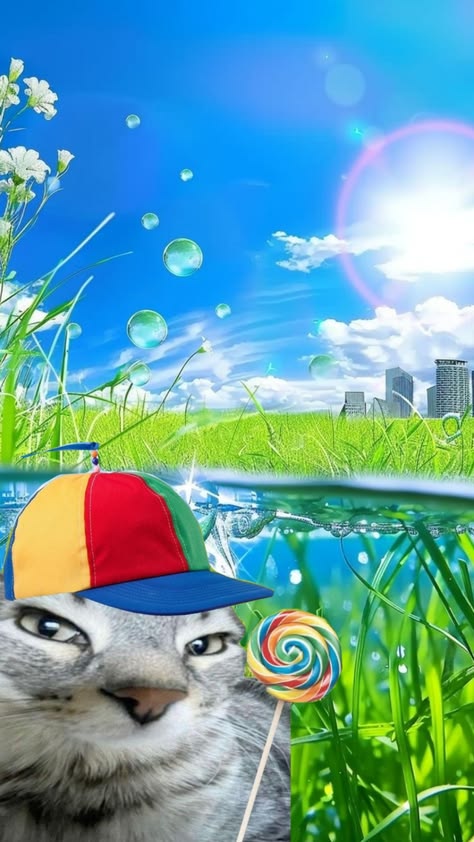
Image source: Pinterest
Dank and Surrealist Memes for the Post-Modern User
Dank memes often utilize high-irony, "deep-fried" filters, or surrealist imagery. These are popular among users who appreciate the post-modern, often chaotic nature of the internet. In 2026, these wallpapers have moved away from simple distortion toward high-fidelity surrealism—think AI-generated landscapes that feel both familiar and unsettling. These assets are frequently found on community-driven platforms where the "weirdness" factor is a badge of honor.
Aesthetic and Minimalist Meme Styles
A significant shift in recent years is the rise of "Aesthetic" memes. These pair high-definition photography or clean, solid backgrounds with modern typography like Helvetica or Futura. Instead of the loud, aggressive Impact font, these wallpapers offer a more sophisticated look. They allow users to display their sense of humor without cluttering their workspace, making them a top choice for professional environments where a subtle nod to internet culture is preferred.
Retro and Classic Meme Nostalgia
For many, the "Classical" era of memes—featuring icons like Grumpy Cat, Success Kid, or the "Distracted Boyfriend"—remains the gold standard. The challenge in 2026 is finding these classics in resolutions high enough for modern screens. Many repositories now offer remastered versions of these legendary images, upscaled using AI to preserve the nostalgia while meeting modern technical requirements.
Cute and Wholesome Meme Collections
Wholesome memes, often featuring supportive animals or positive affirmations, are highly popular for lockscreens. These images serve as small digital "pick-me-ups" throughout the day. High-engagement cat memes, in particular, remain a staple of the wallpaper world, often rendered in cinematic lighting to provide a high-quality visual experience that goes beyond a simple snapshot.
Top Sources for Instant Meme Wallpaper Downloads
Finding the right image requires knowing which repositories prioritize quality over quantity. While many sites host thousands of images, only a few consistently provide high-resolution, device-optimized assets.
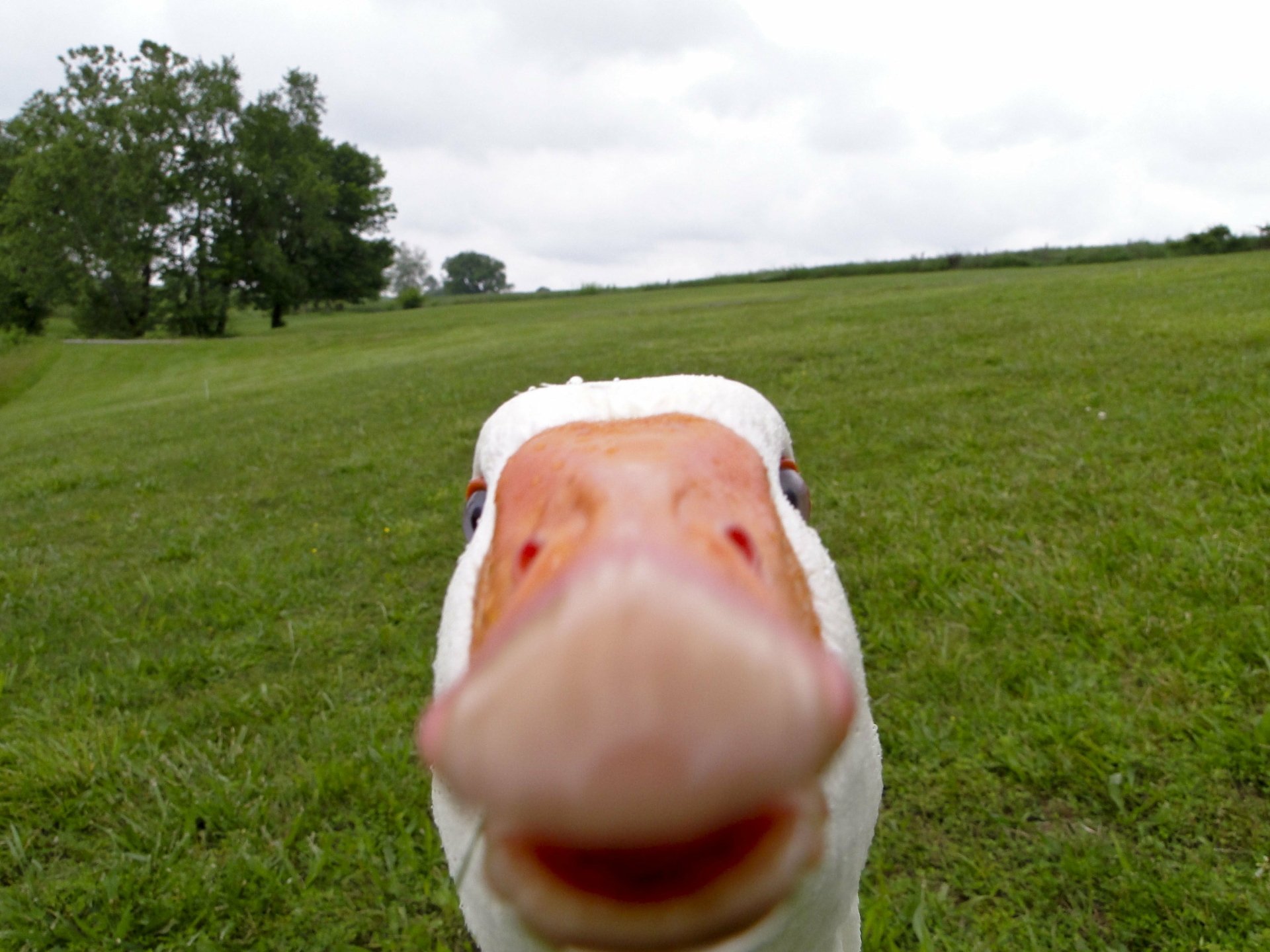
Image source: Alpha Coders
- Wallpapers.com: This site stands out for its massive database, hosting over 1,400 dedicated meme assets. It offers excellent filtering for different devices, making it a reliable first stop for both PC and mobile users.
- WallpaperCave and AlphaCoders: These platforms are widely considered among the best for community-voted content. If you are looking for what is currently trending in the gaming or tech communities, these sites offer a "wisdom of the crowd" approach to quality.
- Pinterest: For "Lockscreen memes" and "iPad memes," Pinterest is an exceptionally strong resource. Its algorithm is highly effective at surfacing "aesthetic" and vertical-format memes that fit mobile aspect ratios perfectly.
- Unsplash: While not a traditional meme site, Unsplash is the preferred source for commercial-use, attribution-free photography that can be used as the base for custom memes.
Technical Specifications for Every Device in 2026
Setting a wallpaper that looks crisp requires matching the image resolution to your device's native display. Using a 1080p image on a 4K monitor will result in a soft, blurry appearance, regardless of how good the original art was.
| Device Type | Recommended Resolution | Aspect Ratio | Optimal Format |
|---|---|---|---|
| iPhone 15/16 Pro | 1179 x 2556 px | 9:19.5 | WebP / HEIC |
| Samsung S24 Ultra | 1440 x 3120 px | 9:19.5 | WebP / PNG |
| iPad Pro (12.9") | 2048 x 2732 px | 4:3 | PNG |
| 4K Desktop Monitor | 3840 x 2160 px | 16:9 | PNG / JPG |
| Ultra-wide Monitor | 3440 x 1440 px | 21:9 | PNG |
In 2026, the WebP format has become the preferred choice for mobile devices due to its superior compression and faster loading speeds. For desktop users, PNG remains the standard for clarity, as it avoids the compression artifacts often found in JPEGs, which can be particularly noticeable in memes with text.
How to Set Moving and Live Meme Wallpapers
Static images are only half the story. "Moving" or "Live" wallpapers have seen a massive surge in popularity, especially within the gaming community. These dynamic backgrounds bring a level of energy to a desktop that static images cannot match.
The Wallpaper Engine Ecosystem
For PC users, Wallpaper Engine remains a top-tier option. It allows users to use `.mp4` or `.webm` files as interactive backgrounds. You can find thousands of meme-themed animations on the Steam Workshop, ranging from subtle loops to high-energy clips. The key benefit here is the ability to customize performance settings so the animation doesn't drain your system resources while gaming.
The iPhone Live Photo Hurdle
Setting moving wallpapers on iOS has become more complex in recent versions. To set an animated lockscreen on a modern iPhone, you typically need to convert a video or GIF into a "Live Photo."
- Download your chosen meme video to your Photos app.
- Use a conversion app (like "IntoLive") to turn the video into a Live Photo.
- Go to Settings > Wallpaper > Add New Wallpaper.
- Select the "Live Photo" category and choose your file.
- Ensure the "Live Photo" icon is toggled ON before hitting set.
Android Video Wallpapers
Android users generally have a simpler path. Most modern Android skins (like Samsung's One UI) allow you to set a video directly as a lockscreen background from the Gallery app. Simply select the video, tap the three dots (menu), and choose "Set as wallpaper."
How to Fix Blurry or Low-Resolution Meme Wallpapers
The most common frustration for users is downloading a wallpaper only to find it looks "fuzzy" or pixelated once applied. This is usually due to a resolution mismatch or aggressive file compression.
The Resolution Trap
A 1080p image contains roughly 2 million pixels. A 4K monitor has over 8 million. When you stretch that 1080p image, your computer has to "guess" what the missing 6 million pixels look like, resulting in blur.
The Aspect Ratio Trap
If you try to fit a square (1:1) meme onto a wide (16:9) monitor, the OS will either crop the top and bottom or stretch the sides. Always match the ratio to the screen.
If you have a "classic" meme that only exists in low resolution, consider using an AI Upscaler . Tools like Gigapixel AI or free online alternatives can significantly improve the clarity of old images by using machine learning to reconstruct lost detail. While not perfect, it is a significant step forward for preserving internet history on modern displays.
How to Create Your Own Custom Meme Wallpapers
Sometimes, the perfect meme doesn't exist yet. Creating your own allows you to tailor the humor and the technical specs to your exact needs.
Use sites like Unsplash or Pexels to find 4K photography that fits the mood of your meme.
Canva is a popular choice for this, offering templates specifically for mobile and desktop dimensions.
Move away from the "Impact" font. Try using Montserrat Bold or Inter ExtraBold for a 2026 "aesthetic" look.
Always export as a "Lossless PNG" or "High-Quality WebP" to ensure your text remains sharp against the background.
Frequently Asked Questions
Key Takeaways for Your Next Wallpaper
Transforming your digital space with the right meme requires a balance of humor and technical precision. Here is how to ensure the best results:
- Prioritize 4K resolution (3840x2160) for all desktop setups to maintain crispness.
- Match aspect ratios strictly (9:16 for mobile, 16:9 for PC) to avoid stretching.
- Use WebP formats on mobile for faster performance and lower battery drain.
- Leverage AI upscalers to rescue low-resolution classic memes from the early internet era.
- Explore Wallpaper Engine if you want a dynamic, moving desktop experience.
- Adopt modern typography like Helvetica or Montserrat for a cleaner 2026 aesthetic.
- Check licenses if you plan to use meme backgrounds for streaming or content creation.
Start by auditing your current screen resolution and then head to a verified 4K repository to find a meme that truly fits your vibe.