Home
Home
How to Find and Create the Perfect Wallpaper Aesthetic for Every Device
Achieving a cohesive wallpaper aesthetic in 2026 requires moving beyond generic stock photos. Focus on high-resolution 4K assets, match your wallpaper hex codes to your system UI, and utilize "Safe Zones" to ensure widgets remain readable. Top trending styles include Aura Gradients, Vintage Film Grain, and Minimalist Dark Tech. For the most personalized results, professional creators often design custom backgrounds in Procreate using Gaussian blur and noise textures.
The concept of a "wallpaper aesthetic" has evolved from a simple background image into a comprehensive digital environment. In an era where we spend upwards of eight hours a day looking at screens, the visual backdrop of our devices significantly impacts our mood, focus, and productivity. According to Pinterest data , over 1 million users search for aesthetic wallpaper inspiration monthly, signaling a massive shift toward intentional digital curation.
Whether you are looking for a calming "Aura" gradient for your iPhone or a high-contrast "Unixporn" setup for a Linux desktop, the goal is the same: to create a space that feels uniquely yours. This guide explores the technical and creative strategies used by power users to source, design, and implement backgrounds that stand out as top choices for modern hardware.
What Are the Top Trending Wallpaper Aesthetics Right Now?
Aesthetics are cyclical, but current trends emphasize a balance between organic textures and clean, digital-first layouts. As of late 2026, several distinct styles have emerged as popular choices for both mobile and desktop users.
Aura and Gradient Blurs
Inspired by spiritual "auras" and soft-light photography, these wallpapers use heavily blurred color transitions. They are exceptionally strong for users who want a splash of color without the distraction of sharp lines or complex subjects. These designs often feature "Y2K" color palettes—pinks, purples, and teals—that provide a calming, ethereal feel. Because they lack fine detail, they are also highly effective at hiding low-resolution artifacts on older screens.
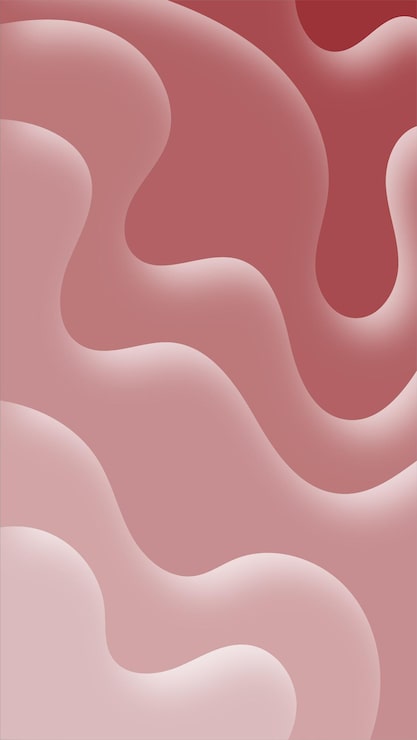
Image source: Magnific
Vintage Film and Retro Grain
The "iPhone Vintage Lockscreen" trend continues to dominate, characterized by high-ISO film grain, light leaks, and muted "Kodak" color grading. This aesthetic appeals to the desire for analog warmth in a digital world. Many users find that adding a slight grain texture to a standard photo makes it feel more like a piece of art and less like a stock image. This style is frequently paired with minimalist clock fonts on iOS to complete the retro-tech look.
Minimalist and Solid Colors
For those prioritizing productivity, minimalist backgrounds with high-contrast solid colors or simple geometric shapes are a top choice. These designs ensure that app icons and desktop folders remain perfectly readable. A common strategy in the "Unixporn" community is to use a dark gray or deep navy background with a single, centered accent shape. This reduces cognitive load and prevents the "visual clutter" that often comes with busy landscape photos.
Dark Tech and Unixporn
Dark Tech aesthetics focus on deep blacks, terminal-green accents, and "cyberpunk" motifs. This style is widely considered one of the best for OLED screens, as true black pixels actually turn off, saving battery life on mobile devices. Enthusiasts on platforms like Reddit often share "dotfiles" that match their wallpaper to their code editor's color scheme, creating a seamless transition between the OS and professional tools.
Where to Find High-Quality Aesthetic Wallpapers That Are Not Generic
Standard Google Image searches often yield low-resolution, watermarked, or overly "stocky" results. To find truly unique assets, you must look toward community-driven repositories and professional stock platforms that prioritize high-bitrate imagery.
Moving Beyond Basic Stock Sites: While sites like Unsplash were once the go-to, many users now find their content too recognizable. To achieve a non-generic look, consider exploring Pexels , which hosts over 200,000 free aesthetic photos that lean toward a more editorial, artistic style. These images typically offer the high resolution required for 4K and 5K displays without the "corporate" feel of traditional stock photography.
Curated GitHub Repositories: For tech enthusiasts, GitHub is a goldmine. Developers often curate "Aesthetic Wallpaper" collections that are specifically formatted for tiled window managers and UltraWide monitors. Repositories like those maintained by D3Ext provide niche aspect ratios and high-quality renders that you won't find on mainstream sites. These collections are often organized by color palette, making it easy to find a match for your system's hex codes.
Reddit Communities: The subreddit r/unixporn is a premier destination for desktop customization. While it focuses on Linux, the wallpapers shared there are among the most acclaimed in the design community. Users frequently post "scrot" (screenshots) of their setups and include links to the original high-resolution files in the comments. This is a significant advancement over generic galleries because the wallpapers are already "vetted" for UI compatibility.
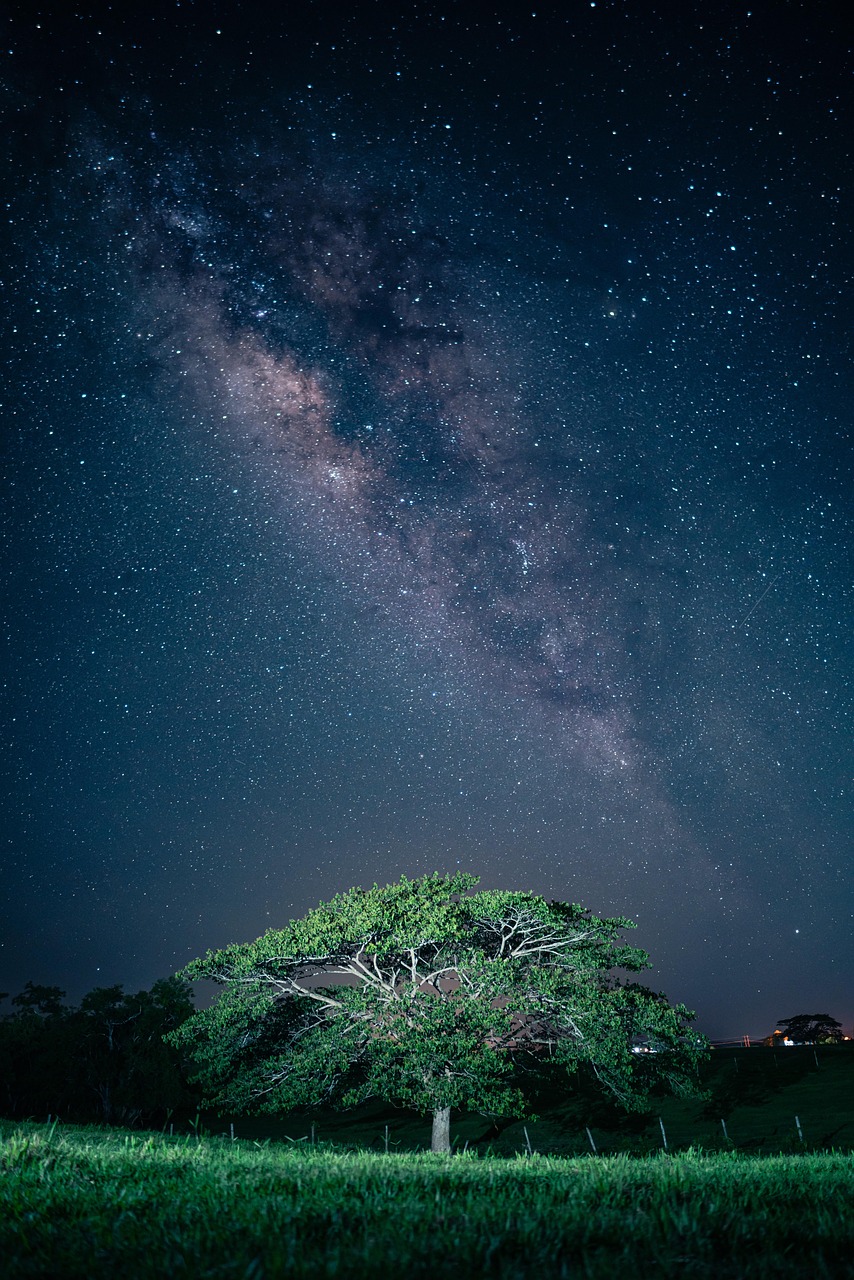
Image source: Pixabay
How to Choose the Right Wallpaper for Your Device Resolution
One of the most common frustrations is finding a beautiful image only to have it look blurry or awkwardly cropped once applied. Understanding your device's native resolution and aspect ratio is a critical step in the customization process.
Standard Desktop vs. UltraWide
Most laptops and monitors use a 16:9 aspect ratio (e.g., 1920x1080 or 3840x2160). However, UltraWide monitors (21:9 or 32:9) require specific assets. If you stretch a 16:9 image to fit an UltraWide screen, the resulting distortion is highly noticeable. For these setups, look for "panoramic" or "dual-monitor" wallpapers that offer enough horizontal real estate to cover the span without losing vertical detail.
Mobile Safe Zones
On mobile devices, the "Safe Zone" is the area of the screen not covered by the clock, date, or bottom dock. When choosing an iPhone aesthetic lockscreen , ensure the primary subject of the photo isn't positioned directly under the time. Many modern aesthetic wallpapers are designed with "negative space" at the top to accommodate these UI elements. If your image is too busy, use a blur tool on the top third of the photo to maintain readability.
| Device Type | Common Resolution | Aspect Ratio | Recommended Source Quality |
|---|---|---|---|
| iPhone 17 Pro Max | 1320 x 2868 | 19.5:9 | High (Retina) |
| 4K Desktop Monitor | 3840 x 2160 | 16:9 | Ultra HD / 4K |
| UltraWide Monitor | 3440 x 1440 | 21:9 | Wide-Format 4K |
| MacBook Pro 14" | 3024 x 1964 | 15.4:10 | High-Bitrate PNG |
The Unixporn Strategy for Matching Your Wallpaper to Your System UI
The "Unixporn" strategy involves more than just picking a pretty picture; it’s about color theory and system integration. By matching your wallpaper to your system’s accent colors, you create a professional, cohesive look that ranks among the top setups for power users.
Generic Setup
- Random high-detail photo
- Clashing icon colors
- Hard-to-read text
- Standard system fonts
Unixporn-Style Setup
- Color-matched hex codes
- Minimalist, clean icons
- High readability via negative space
- Customized UI elements
Color Matching via Hex Codes: To achieve this, use a browser extension or a tool like Photoshop to extract the primary hex codes from your chosen wallpaper. If your background is a deep forest green (#2D6A4F), set your folder highlights, terminal text, and window borders to a complementary shade like a soft mint (#D8F3DC). This creates a "monochromatic aesthetic" that is notably innovative and visually soothing.
Ensuring Icon Readability: A common mistake is choosing a wallpaper with too much detail in the areas where your icons sit. Power users often use "random pictures with solid colors" or apply a subtle dark overlay to the wallpaper in post-production. This ensures that the UI remains functional while still looking beautiful. According to discussions on Reddit , the most successful setups prioritize "cleanliness" over "complexity."
How to Design Your Own Aesthetic Wallpaper Using Procreate
If you cannot find the perfect image, creating your own is a significant step forward in digital personalization. Professional creators often use an iPad Pro and Procreate to design custom gradients and "Aura" patterns from scratch.
Create a canvas that matches your device's exact pixel dimensions. For Retina displays, set the DPI to 300 to ensure the image remains crisp when zoomed. Use the "Screen Size" preset if you are designing directly on the target device.
Use a large, soft airbrush to drop 3-4 vibrant colors onto the canvas in random blobs. Then, go to Adjustments > Gaussian Blur and slide it to 30-50%. This creates the soft, blurred transition typical of the Aura aesthetic. You can also use the Liquify tool to swirl the colors into organic shapes.
To achieve the vintage film look, create a new layer filled with 50% gray. Go to Adjustments > Noise and add about 5-10% grain. Set the layer blend mode to "Overlay" or "Soft Light." This adds a tactile quality that makes digital gradients feel more natural.
Always export your final design as a PNG or HEIC file. Avoid JPEG if possible, as the compression can cause "artifacts" in the smooth areas of your gradients. HEIC is a top-tier option for iPhone users as it maintains high quality at a smaller file size.
Creators like IsiomaVlogs on YouTube emphasize that the beauty of custom wallpapers lies in the ability to match them to your specific physical environment or current mood. By mastering these simple Procreate tools, you move beyond being a consumer of aesthetics to being a creator.
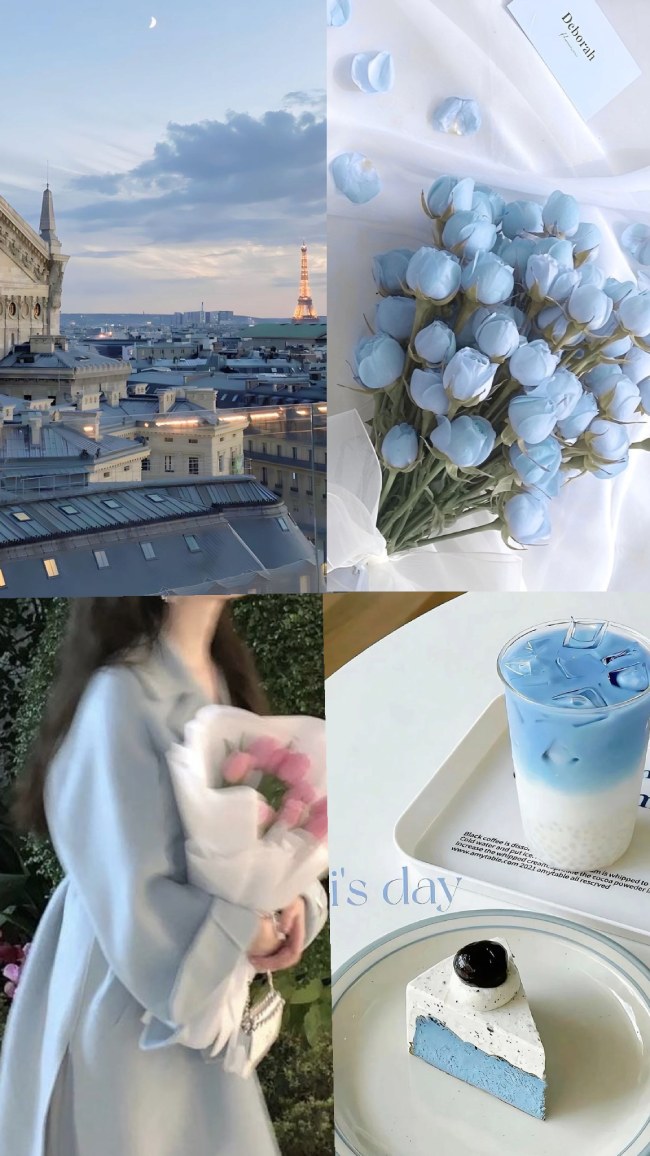
Image source: Fab Mood
How to Set Up a Dynamic Wallpaper Rotation to Solve Decision Paralysis
With so many high-quality options available, many users suffer from "decision paralysis." Setting up a dynamic rotation is an excellent choice to keep your digital environment fresh without having to manually change your settings every day.
The "Style Quiz" Framework: Before setting up a rotation, ask yourself what you need from your device at different times.
- Productivity Hours: Minimalist, dark-mode, or solid color backgrounds to reduce distraction.
- Creative Hours: Vibrant Aura gradients or abstract art to spark inspiration.
- Evening/Wind-down: Warm, grainy vintage photos or soft landscape murals to reduce blue light strain.
Automating Your Aesthetic: On iOS, you can use the "Shortcuts" app to change your wallpaper based on the time of day or your current Focus mode. For example, you can set your phone to automatically switch to a "Dark Tech" aesthetic at 8:00 PM. Android users can achieve similar results using apps like Tasker or the native "Wallpaper Services" settings. This automation ensures your device always matches your current "vibe," solving the problem of being overwhelmed by too many beautiful choices.
Beyond the Screen: Matching Your Digital Aesthetic to Your Room Decor
In 2026, the boundary between our digital and physical spaces is blurring. Many interior design enthusiasts are now matching their desktop wallpapers to their physical room decor, creating a "Complete Aesthetic Environment."
The Digital-to-Physical Bridge: If you love a specific landscape wallpaper, you can often find physical "Peel-and-Stick" murals that replicate that look for your home office. Trending styles for 2026 include "cream damask" and large-scale landscape murals that provide a window-like effect in smaller rooms. According to interior design forums , landscape murals are among the most acclaimed choices for creating a cohesive "aesthetic" home office.
By using similar color palettes in both your digital wallpaper and your physical wall art, you create a sense of continuity. This is particularly impactful for content creators and remote workers who want their background to look professional and curated during video calls.

Image source: Fab Mood
Frequently Asked Questions
Final Thoughts
Choosing a wallpaper aesthetic is more than a cosmetic choice; it is a way to optimize your digital workflow and personal expression. By moving beyond generic options and embracing technical customization, you can create a digital environment that is both beautiful and functional.
- Match your resolution to your specific device to ensure maximum clarity.
- Identify Safe Zones for your clock and widgets to maintain usability.
- Use hex-code matching to align your wallpaper with your system UI colors.
- Source from communities like r/unixporn or GitHub for unique, non-generic assets.
- Experiment with Procreate to design custom gradients that fit your exact mood.
- Automate your rotation using Shortcuts or Tasker to prevent decision paralysis.
- Consider physical murals to bridge the gap between your digital and physical aesthetics.
Start by auditing your current setup: if your background feels cluttered or low-resolution, try a minimalist gradient to immediately refresh your digital experience.