Home
How to Find and Use a High-Quality Pikachu Outline for Your Next Project
A Pikachu outline is a versatile design tool used for coloring pages, Cricut vinyl cutting, and digital art. For the best results, choose SVG formats for physical crafts (like t-shirts) to ensure infinite scalability, or PDF formats for simple home printing. When drawing by hand, focus on the "Shape Map" method—using two circles for the head and body—to maintain accurate proportions. While many resources are free for personal use, remember that Pikachu is a trademarked character, so commercial sales are generally restricted.
Pikachu’s iconic silhouette is the foundation for thousands of DIY projects, from birthday cards to custom t-shirts. Whether you are a parent looking for a quick afternoon activity or a professional crafter designing a custom decal, finding the right line art is the first step toward success. The simplicity of Pikachu's design—a round body, long ears, and a lightning-bolt tail—makes it a top choice for creators of all skill levels.
In this guide, we explore how to select the right digital files, break down the geometry of the world's most famous Pokémon, and navigate the technical workflows required to turn a digital outline into a physical masterpiece. By the end, you will have the resources needed to tackle any project involving this electric-type favorite.
Choosing the Right Pikachu Outline File Format for Your Project
Not all digital outlines are created equal. Depending on whether you are printing a coloring page for a toddler or programming a laser cutter, the file extension you choose will significantly impact the final quality. According to resources like Monday Mandala , providing diverse formats is essential to satisfy different user needs.
| Format | Best For | Scalability | Background |
|---|---|---|---|
| SVG | Cricut, Silhouette, CNC | Infinite (Vector) | Transparent |
| PNG | Digital Art, Web Design | Limited (Raster) | Transparent |
| Home Printing, Coloring | High (Print-ready) | White | |
| PSD | Photoshop Editing | Limited (Raster) | Layered |
When to use a transparent PNG vs. a vector SVG
A common mistake among beginners is using a standard JPG or PNG for large-scale projects. PNGs are raster images, meaning they are made of pixels. If you try to blow up a small Pikachu PNG to fit a bedroom wall mural, you will encounter significant pixelation and "jaggies" along the edges. This is where the SVG (Scalable Vector Graphic) stands out as a top-tier option. Because SVGs are based on mathematical paths rather than pixels, they remain crisp at any size.
For digital artists using software like Procreate or Photoshop, a high-resolution PNG with a transparent background is often preferred for layering. However, if your goal is physical production—such as vinyl stickers or embroidery—the SVG is the industry standard. It allows cutting machines to follow a precise path, ensuring a clean finish every time.
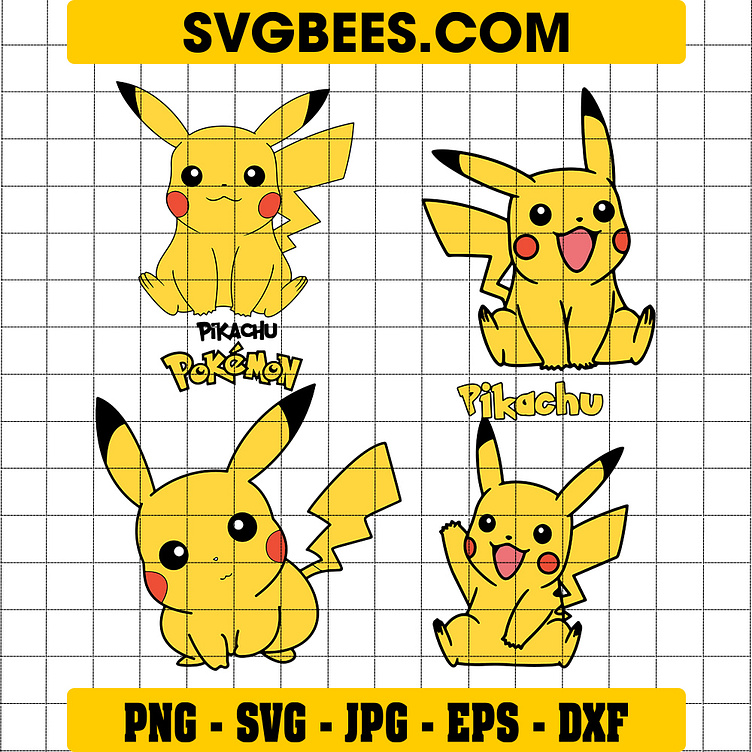
Image source: Dribbble
How to Draw a Pikachu Outline Using Basic Geometric Shapes
If you prefer to create your own outline from scratch, the process is simpler than it looks. Pikachu’s design is famously built from approximately nine basic geometric shapes. According to instructors at Outschool , mastering these shapes is the key to achieving a professional look.
The Geometric Breakdown (The Shape Map)
To begin, visualize Pikachu not as a character, but as a collection of simple forms. This "Shape Map" method prevents the common issue of lopsided drawings or incorrect proportions.
- The Head and Body: Start with two overlapping circles. The top circle (head) should be slightly smaller than the bottom circle (body).
- The Ears: Draw two long, U-shaped rectangles or "rabbit ears" extending from the top circle. Remember to leave space at the tips for the iconic black markings.
- The Limbs: Use small ovals for the feet and simple, slightly curved rectangles for the arms.
- The Tail: This is the most distinct feature. Use a series of zigzag lines, starting thin at the base and widening toward the end to create the lightning bolt shape.
Pikachu stores electricity in its cheeks. When drawing the outline, ensure the cheek circles are placed slightly lower on the face and appear to "puff out" the jawline slightly. This subtle detail adds a sense of volume and character accuracy that flat drawings often lack.
Expert Tips for a Professional Look
When sketching your initial outline, use "short, quick lines" rather than one continuous stroke. This allows you to adjust the curves of the ears and the roundness of the belly before committing to a final, bold line. Once you are happy with the proportions, go over the sketch with a fine-liner or a digital brush set to a high stabilization setting to achieve that smooth, "official" look found in Pokémon media.
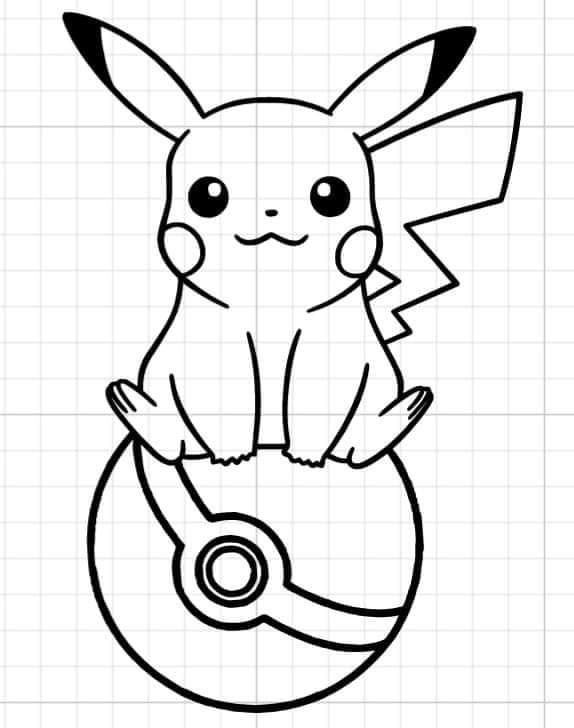
Image source: Pinterest
Turning a Digital Outline Into a Physical Masterpiece
For the "Maker" community, a Pikachu outline is just the starting point. The real magic happens when that 2D line art is converted into a 3D object or a custom piece of apparel. This requires a specific multi-step strategy to ensure the digital file translates well to physical materials.
How to Prepare a Pikachu SVG for Your Cricut or Silhouette
If you download a "free" outline from a site like Magnific , it may arrive as a PNG. To use this with a cutting machine, you must "clean" the file. In Cricut Design Space, use the "Remove Background" tool to ensure only the black lines remain. If the lines are too thin, the blade may tear the vinyl. A popular choice among crafters is to apply a small "offset" (a slight thickening of the lines) to provide more surface area for the adhesive.
Scaling an Outline for Tiny Projects Like Nail Art
Creating Pikachu nail art requires extreme simplification. When scaling an outline down to a 1cm surface, details like the inner eye highlights or the tiny nose often become a smudge. For these projects, focus on the "silhouette-only" approach. Use the ears and the tail as the primary identifiers, and omit the smaller facial features to maintain legibility.
Creating 3D Printed Keychains from a 2D Outline
One of the most innovative uses for a Pikachu outline is 3D printing. By importing a clean SVG into a program like Tinkercad, you can "extrude" the 2D lines into a 3D shape.
1
Import the SVG file into your 3D modeling software.
2
Set the height (extrusion) to approximately 3mm for a sturdy keychain.
3
Add a small torus (ring) shape to the top of one ear to act as the key ring hole.
4
Export as an STL file and send it to your 3D printer.
A Curated Library of Pikachu Outlines by Pose and Emotion
Choosing the right pose is just as important as choosing the right file format. The "vibe" of your project should dictate which outline you select. A battle-ready Pikachu might look great on a gym water bottle, but a sleeping version is a much better choice for a nursery wall decal.
Easy Standing Poses for Beginner Coloring Pages
The classic "Front View" is widely regarded as one of the best options for children. It features symmetrical lines and large open spaces, making it easy for little hands to stay within the lines. This pose is the standard for most educational worksheets and basic craft templates.
Action-Packed Battle Poses for Dynamic Designs
For older fans or more complex projects, look for outlines featuring the "Iron Tail" or "Thunderbolt" attacks. These poses often include "action lines" or sparks that add a sense of movement. These are exceptionally strong choices for t-shirt designs where you want the character to look energetic and powerful.
Cute and Kawaii Sleeping Pikachu Templates
Sleeping Pikachu outlines are a popular choice for embroidery and nursery decor. Because the eyes are represented by simple curved lines rather than complex circles, these templates are much easier to stitch by hand. The lack of sharp angles also makes them ideal for soft-surface crafts like felt plushies or appliqués.
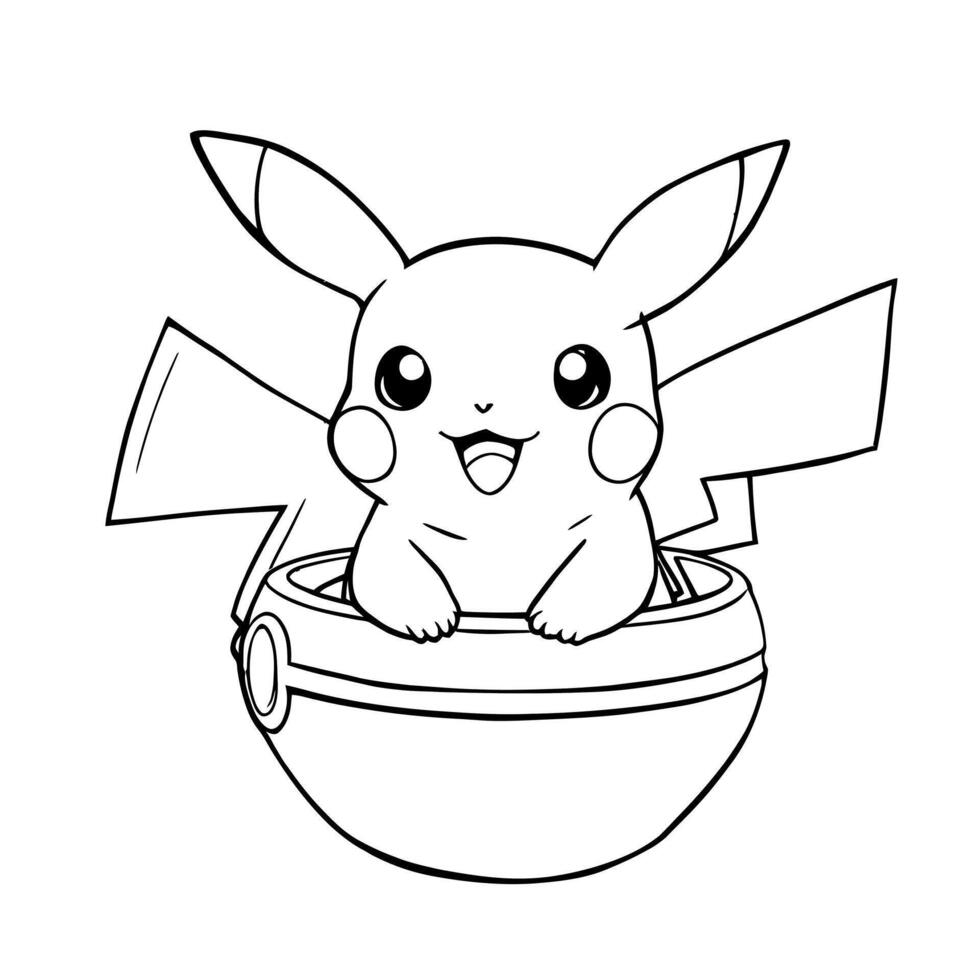
Image source: Vecteezy
Can You Legally Sell Crafts Made With a Pikachu Outline?
This is a critical area of confusion for many small business owners. While many websites offer "free" downloads, the legal reality is more complex. Pikachu is a trademarked character owned by Nintendo, Creatures Inc., and Game Freak (collectively The Pokémon Company). Even if you draw the outline yourself, the character's likeness is protected by intellectual property laws.
Understanding Trademark vs. Personal Use
Under 17 U.S.C. § 107, "Fair Use" allows for the use of copyrighted material for purposes such as criticism, comment, news reporting, teaching, and research. Printing an outline for your child to color at home or creating a single t-shirt for your own use generally falls under personal, non-commercial use and is rarely challenged. However, selling 500 Pikachu-themed shirts on platforms like Etsy is a significant legal risk.
Guidelines for Small Business Owners
If you plan to sell your crafts, it is safer to focus on "inspired-by" designs or to seek official licensing, though the latter is often prohibitively expensive for individuals. Many creators find success by focusing on the *aesthetic* of the Pokémon world (like lightning bolts and specific color palettes) without using the exact trademarked silhouette of the character. Always check the specific licensing agreement of any SVG you purchase on sites like Etsy , as many sellers explicitly state "For Personal Use Only."
Frequently Asked Questions
The most efficient way to print an outline is to download the file in PDF format. PDFs are designed to maintain their layout and scale across different printers. Once downloaded, open the file in a browser or PDF viewer, select "Print," and ensure the "Fit to Page" option is selected to prevent the ears or tail from being cut off at the margins of standard A4 or US Letter paper.
Several reputable resource sites offer free SVGs, but you must be cautious about file quality. Look for sites that cater specifically to crafters, as their files are more likely to have "closed paths." If you find a PNG you love, you can use online converters to turn it into an SVG, but you may need to manually clean up stray pixels in your cutting software to ensure a smooth cut.
The "Circle and U-shape" method is widely considered one of the most effective techniques for beginners. By starting with two circles for the body and two long U-shapes for the ears, you establish a solid foundation. This prevents the drawing from becoming too thin or too wide. Focus on the silhouette first before adding internal details like the eyes and rosy cheeks.
Yes, high-contrast line art is the preferred format for tattoo stencils. If you are bringing a design to a tattoo artist, provide a high-resolution PNG or a vector file. This allows the artist to resize the design to fit your body perfectly without losing the clarity of the lines. Simple outlines are particularly popular for "minimalist" or "fine-line" tattoo styles.
To create an outline effect in Google Docs, insert a colored image of Pikachu, click on it, and select "Image Options." Under the "Adjustments" tab, turn the brightness all the way up and the contrast all the way up. While not as clean as a dedicated vector file, this can sometimes create a workable high-contrast silhouette for simple classroom projects.
Final Thoughts on Mastering the Pikachu Outline
Whether you are 3D printing a custom keychain or simply coloring with a toddler, the right outline makes the project. By following a structured approach to file selection and drawing, you can ensure high-quality results every time.
- Choose your format wisely: Use SVGs for cutting machines and PDFs for standard home printing.
- Match the pose to the project: Select sleeping poses for soft crafts and action poses for dynamic apparel.
- Use the Shape Map: Build your hand-drawn outlines using circles and U-shapes to maintain perfect proportions.
- Respect intellectual property: Keep your Pikachu creations for personal use to avoid trademark infringement issues.
- Clean your files: Always check for "closed paths" in digital outlines to prevent color bleeding or jagged cuts.
- Scale with care: Simplify facial details when working on tiny surfaces like nail art or small jewelry.
Start your next project by downloading a high-resolution vector file to ensure your lines remain crisp and professional from start to finish.