Home
How Goku Edits Conquered the YouTube Shorts Algorithm and Redefined Anime Fandom

The digital landscape of YouTube has witnessed many trends, but few have maintained the sheer kinetic energy and enduring popularity of Goku edits. Scrolling through YouTube Shorts or exploring the depths of Anime Music Videos (AMVs), one character consistently dominates the feed: Son Goku. These videos are not just simple re-uploads of Dragon Ball clips; they are high-octane, rhythmically synchronized, and visually enhanced pieces of digital art that garner millions of views. From the gritty Phonk-infused battle sequences to the high-gloss aesthetic of Ultra Instinct transformations, Goku edits represent a unique intersection of nostalgia, technical editing prowess, and algorithmic mastery.
The Cultural Phenomenon of the Goku Edit
Goku edits have evolved far beyond the early days of 2000s AMVs characterized by Linkin Park soundtracks and basic cross-fades. Today, a "Goku edit" is a specific sub-genre of content. It thrives on the concept of "Aura"—the intangible sense of power and presence a character exudes. Creators use high-contrast color grading, frame interpolation to create fluid motion, and aggressive audio syncing to elevate Goku from a cartoon hero to a transcendent icon of strength.
The popularity stems from Goku's status as a universal symbol of perseverance. Whether he is breaking his limits against Jiren or reaching a new Super Saiyan level, the narrative arc of "surpassing one's self" provides the perfect emotional hook for short-form content. For viewers, these edits offer a 15-to-60-second dopamine hit of pure hype. For creators, they serve as a benchmark for editing skill, testing their ability to manipulate fast-paced action sequences into something entirely new.
Analyzing the Signature Styles of Viral Goku Edits
Not all Goku edits are created equal. The community has branched into several distinct styles, each requiring a different technical approach and catering to specific audience segments.
The Phonk and Aggressive Aesthetic
Modern YouTube Shorts are heavily influenced by "Phonk" music—a sub-genre of hip-hop characterized by cowbell melodies and heavy bass. These edits, often referred to as "hard edits," focus on the raw power of Goku's attacks. The editing style involves heavy "shakes," chromatic aberration, and screen pumps that react to every bass drop. When Goku lands a punch in an Ultra Ego or Super Saiyan Blue form, the screen literally vibrates, creating a visceral experience for the viewer.
Gym and Motivational Edits
A significant portion of the "Goku edit" audience consists of fitness enthusiasts. These videos often overlay Goku’s grueling training montages with motivational speeches—sometimes from the anime itself, and sometimes from figures like David Goggins or classic bodybuilders. The goal here is inspiration. The editing is usually cleaner, focusing on the character's physique and the intensity of his resolve, often using "Slowed + Reverb" tracks to create a more epic, cinematic atmosphere.
The "Technical" or VFX-Heavy Edit
These are the gold standard for editors using professional software like Adobe After Effects. They feature custom-made visual effects (VFX), such as "Starglow" on Goku's aura, complex masks to separate the character from the background, and 3D camera tracking. These edits often showcase "God-tier" transformations, where the screen transitions through every single Goku form in a matter of seconds, perfectly synced to a high-tempo beat.
The Editor’s Toolkit: From Mobile to Desktop
Creating a viral Goku edit requires more than just a screen recorder. The choice of software often dictates the quality and style of the final product. Based on the current community standards, the following tools are the most prevalent.
CapCut: The Entry Point
For beginners, CapCut is the go-to tool. Its user-friendly interface and pre-built "velocity" templates allow creators to sync clips to music with minimal effort. While it lacks the depth of professional suites, its "Auto-Velocity" and basic keyframing tools are sufficient for many successful YouTube Shorts creators.
Alight Motion: The Mobile Powerhouse
Alight Motion is often cited as the mobile version of After Effects. It allows for advanced motion graphics, vector editing, and complex layering. Many of the most popular Goku edit channels on YouTube, such as Muigoku and Sell Saga, utilize Alight Motion to achieve smooth transitions and custom color coloring (CC) that mobile-only apps usually can't handle. It requires a steep learning curve but offers unmatched flexibility for creators on the go.
Adobe After Effects: The Industry Standard
When you see a Goku edit with 4K clarity, perfect motion blur, and mind-bending transitions, it was likely made in After Effects. Professional editors use plugins like Twixtor for ultra-smooth slow motion (frame interpolation) and Sapphire for lighting effects. Running a high-end Goku edit in After Effects often requires significant hardware, typically at least 32GB of RAM and a dedicated GPU, to handle the heavy rendering of multiple VFX layers and adjustment clips.
Step-by-Step Anatomy of a High-Quality Edit
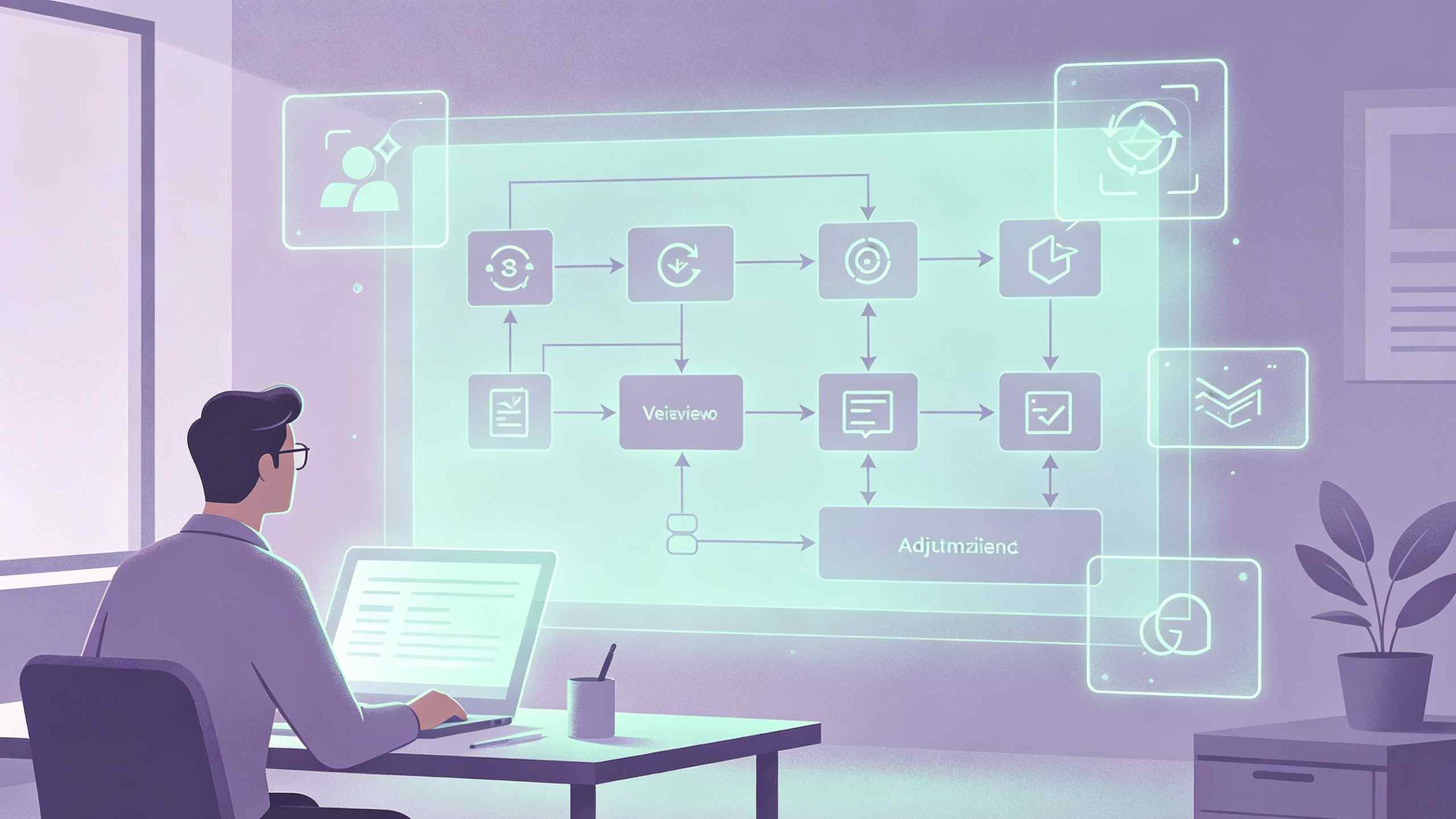
To understand why these videos go viral, one must look at the meticulous process involved in their creation. A standard high-quality Goku edit follows a specific production pipeline.
- Clips Sourcing and Twixtoring: Editors seek out high-definition raw clips (often 1080p or 4K Blu-ray rips) without subtitles. They then apply "Twixtor" or similar frame-blending tools to convert standard 24fps animation into 60fps or higher, allowing for that signature "buttery smooth" look.
- Audio Mapping: The song choice is critical. The editor marks the "beats" and "drops" on the timeline. Every punch, energy blast, or transformation must land exactly on a beat to maintain the "flow."
- Color Grading (CC): Raw anime footage can look flat. Editors apply custom color corrections—deepening the blacks, increasing the saturation of the blues or golds in Goku's hair, and adding a slight grain or glow to give the video a "cinematic" feel.
- Transitions and Overlays: Instead of simple cuts, editors use "Zoom-in" transitions, "Slide" effects, or "Masking" where one character’s silhouette becomes the window into the next scene. Overlays like lightning, dust particles, and lens flares are added to increase the visual density.
Why Goku Edits Dominate the YouTube Shorts Algorithm
The YouTube Shorts algorithm prioritizes two main metrics: View-Through Rate (VTR) and Retention. Goku edits are engineered to maximize both.
The "Loop" Factor
Many editors design their videos to be "seamless loops." The end of the edit flows perfectly back into the beginning. Because these videos are short and high-energy, viewers often watch them three or four times in a row. This sends a massive signal to the algorithm that the content is highly engaging, leading to a "viral explosion" where the video is pushed to millions of new users.
The Power of Keywords and Tags
Successful creators don't just upload; they optimize. Using specific long-tail keywords in the title and description is vital. Phrases like "Goku Ultra Instinct Edit 4K," "Super Saiyan Aura Status," and "Dragon Ball Super Phonk" help the video appear in both search results and the "Up Next" suggestions. Relevant hashtags such as #dbz, #gokuedit, #anime, and #shorts are standard practice to categorize the content for the AI.
Engagement through "Skull Edits" and Polls
A recent trend involves "Skull Edits" or "Troll Edits," where Goku is compared to other characters (like Saitama or Gojo). These often spark debates in the comments section about "who would win." This high volume of comments further boosts the video's reach, as the algorithm views active discussion as a sign of quality content.
The Challenge of Copyright and Fair Use
The elephant in the room for every Goku edit creator is copyright. Since the footage belongs to Toei Animation and the music belongs to various labels, these videos exist in a legal gray area.
Fair Use vs. Copyright Strikes
Under Section 107 of the Copyright Act, "Fair Use" allows for the use of copyrighted material for purposes such as criticism, comment, and transformation. Most Goku edits are highly transformative; they change the context, rhythm, and visual nature of the original footage. However, YouTube’s Content ID system often flags the music.
Strategies for Survival
To avoid channel-ending copyright strikes, savvy editors often:
- Use "Slowed + Reverb" or "Remixed" versions of songs to bypass automated detection.
- Keep clips short (under 5 seconds per individual cut).
- Add a "Fair Use Disclaimer" in the description (though this is not a legal shield, it shows intent).
- Focus on "transformative" editing—adding so many effects and changes that the result is significantly different from the original broadcast.
Despite these efforts, monetization through the YouTube Partner Program is difficult for edit-focused channels. Most successful creators monetize through brand deals, selling their "Project Files" (editing templates), or offering paid editing services to other YouTubers.
Top Goku Edit Channels to Watch in 2025
For those looking for inspiration, several channels have set the gold standard for Goku content:
- Muigoku: Known for incredibly smooth Alight Motion edits and creative "Aura" effects.
- Sell Saga: Specializes in high-quality Dragon Ball Super shorts with cinematic vibes and perfect audio syncing.
- Goku Sagax: A master of vfx-heavy transformations and fast-paced energy cuts.
- Uchiha Builder: While the name suggests Naruto, this creator produces some of the most viral "Skull Style" Goku edits on the platform.
Summary: The Future of Anime Editing
Goku edits are more than a passing trend; they are a digital subculture that continues to push the boundaries of what is possible with mobile and desktop editing software. As AI tools for frame interpolation and background removal become more accessible, the quality of these edits will only increase. For the fan, they are a way to relive the most epic moments of their childhood hero in a modern, stylish format. For the creator, they are a gateway into the world of professional video production and digital marketing. In the battle for attention on YouTube, Goku remains, as always, the one to beat.
FAQ: Common Questions About Goku Edits
What is the best app for making Goku edits on a phone? Alight Motion is widely considered the best for high-level technical edits due to its support for graphs and keyframes. CapCut is the best for beginners who want quick results.
How do editors get 4K clips of Dragon Ball? Most professional editors use "Remux" files or Blu-ray rips, which provide the highest bitrate and clarity. They then use AI upscalers like Topaz Video AI to enhance the resolution further.
What is "Velocity" in anime editing? Velocity refers to the manipulation of clip speed—speeding up the footage during movements and slowing it down right as a beat hits or an action occurs. This creates a rhythmic, "stuttering" effect that is a staple of modern edits.
Can I make money from Goku edits on YouTube? Direct monetization via ads is difficult due to copyright. However, many editors make money by selling their "presets" or project files to other aspiring editors, or by using their channel as a portfolio to get freelance editing work.
What is a "Phonk" Goku edit? It is an edit that uses Phonk music (aggressive, bass-heavy tracks) and features high-intensity visuals, screen shakes, and dark color grading to match the "mean" or "hard" vibe of the music.